
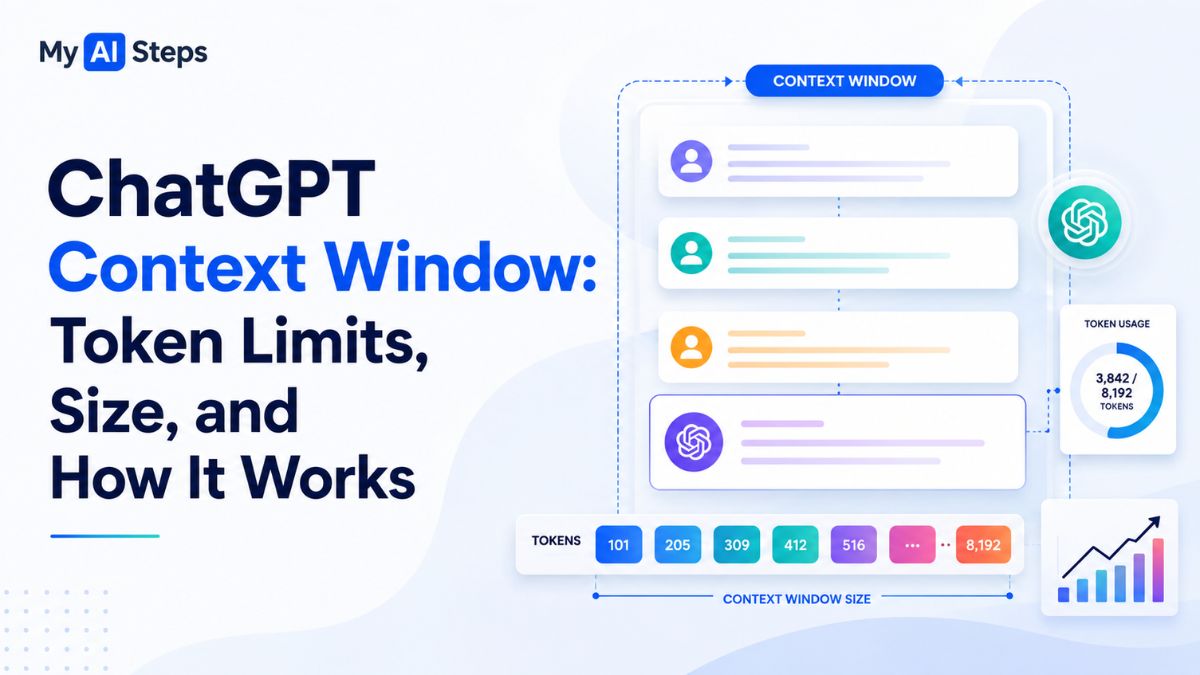
Have you ever been in the middle of a long ChatGPT conversation, only to realize that the AI suddenly forgot something you discussed earlier? Many users experience this issue when working on lengthy projects, detailed research, or complex discussions. In most cases, the reason isn’t that ChatGPT is malfunctioning. Instead, it comes down to a core concept known as the ChatGPT context window. This feature determines how much information the model can actively process, understand, and reference during a conversation.
Understanding the ChatGPT context window is essential for anyone who regularly uses AI tools for writing, coding, research, business, or education. Whether you’re a casual user or a professional relying on AI for daily tasks, knowing how the context window works can dramatically improve the quality of your prompts and responses. In this guide, you’ll learn exactly what the ChatGPT context window is, why it matters, and how it affects your overall experience.
What Is the ChatGPT Context Window and Why Is It Important?
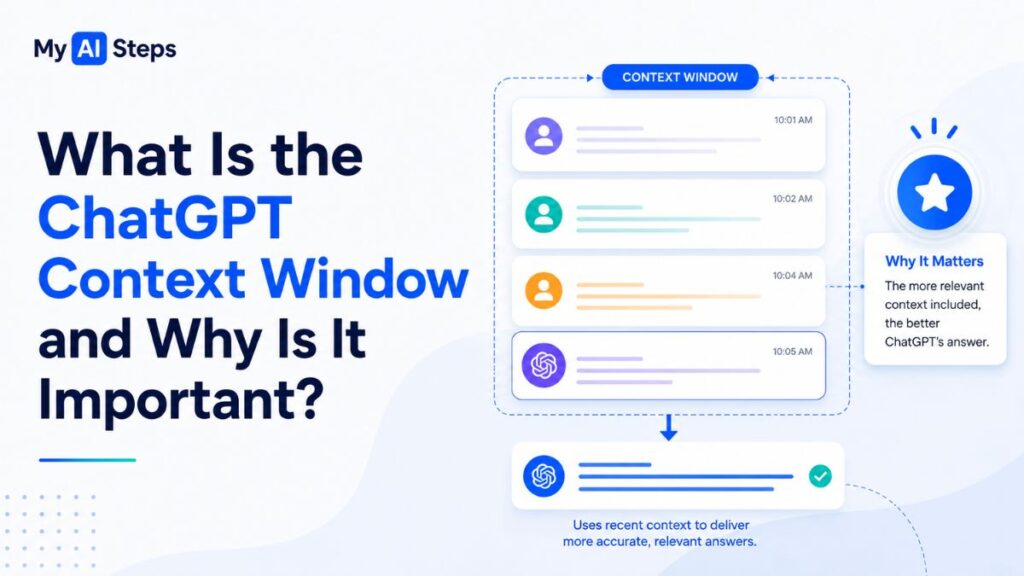
Quick Answer: The ChatGPT context window refers to the total amount of text, measured in tokens, that ChatGPT can process and remember during a single conversation session.
At its core, the ChatGPT context window acts as the model’s temporary working memory. Every message you send, every response ChatGPT generates, system instructions, and any uploaded text all consume space within this window.
Think of it like a physical desk. You can place documents, notes, and files on the desk while working. However, once the desk becomes full, older papers must be removed to make room for new ones. ChatGPT works in a very similar way. When the available context space fills up, older information may no longer remain accessible to the model.
This limitation directly impacts how effectively ChatGPT can maintain continuity throughout a conversation. If you’ve ever noticed ChatGPT forgetting instructions you provided earlier, changing its writing style unexpectedly, or asking repeated questions, you’ve likely encountered context window limitations firsthand.
From personal testing during long-form content creation sessions, many users notice that after dozens of exchanges, earlier formatting instructions begin to disappear from the model’s active awareness. This is especially common when working on articles, books, or large coding projects.
Why the ChatGPT Context Window Matters
The importance of the context window becomes even greater in professional and technical workflows.
For example:
Writers often use ChatGPT to draft long articles or ebooks.
Developers analyze large codebases using AI assistance.
Researchers summarize lengthy academic papers.
Businesses train AI using extensive internal documentation.
In each scenario, the amount of information the model can process at one time determines how accurate and useful the responses will be.
Without a sufficient context window, AI conversations would become fragmented, forcing users to constantly repeat instructions and provide missing information.
Real-World Example
Imagine you’re writing a 5,000-word blog post with ChatGPT. At the beginning of the session, you specify:
Formal tone
Short paragraphs
Beginner-friendly explanations
SEO optimization
After an hour of continuous interaction, you may notice ChatGPT suddenly switching writing styles or ignoring some earlier instructions. This doesn’t happen because the model is inconsistent. Instead, those initial instructions may no longer fit inside the active context window.
Understanding this behavior helps users create better workflows and set realistic expectations when collaborating with AI.
How Does the ChatGPT Context Window Work?
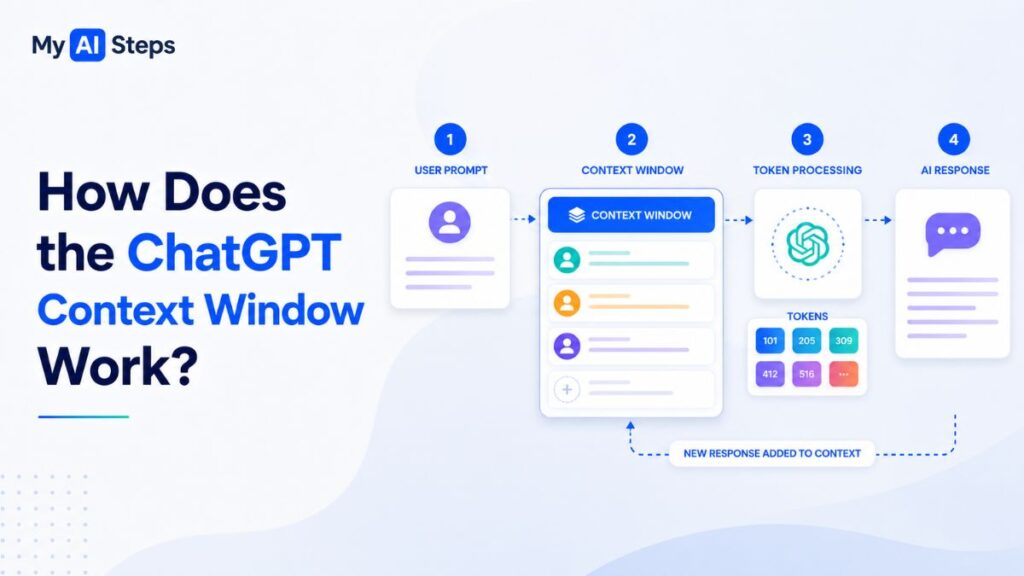
To fully understand how the ChatGPT context window functions, you first need to understand how text is measured inside the model.
Unlike humans, ChatGPT does not process information as complete words or sentences. Instead, it breaks text into smaller units called tokens.
Every interaction contributes to the total number of tokens being used during a session.
What Are Tokens in ChatGPT?
A token is the smallest piece of text that ChatGPT processes.
In simple terms, tokens can represent:
Entire words
Parts of words
Numbers
Spaces
Punctuation marks
For example:
“ChatGPT” may count as one or two tokens.
“Artificial Intelligence” may contain multiple tokens.
Symbols such as commas and periods also consume tokens.
As a general estimate, 100 tokens are roughly equal to 75 English words, although this varies depending on language and content type.
Why Tokens Matter
The ChatGPT context window is measured entirely in tokens.
This means that when a model offers a 128,000-token context window, that limit includes:
Your messages
ChatGPT responses
System instructions
Uploaded files
Memory injections (if enabled)
Everything combined must fit within the available token budget.
How the Context Window Fills Over Time
Every conversation gradually consumes available context space.
For example:
You send a 300-token message.
ChatGPT generates a 500-token response.
Together, that exchange consumes 800 tokens.
Over a long session, this number grows rapidly.
If the conversation eventually exceeds the model’s context capacity, older information is typically removed from active processing. As a result, ChatGPT may no longer remember details discussed much earlier in the session.
This is why experienced users often restate important instructions periodically during lengthy projects.
A Simple Way to Think About It
An easy way to understand the process is to imagine a moving window.
New information continuously enters from one side while older information gradually exits from the other side. ChatGPT can only work with the information currently visible inside that window.
The larger the context window, the more information remains available simultaneously, resulting in better continuity, stronger reasoning, and more accurate responses during complex conversations.
What Is the Maximum Context Window Size in Different ChatGPT Models?
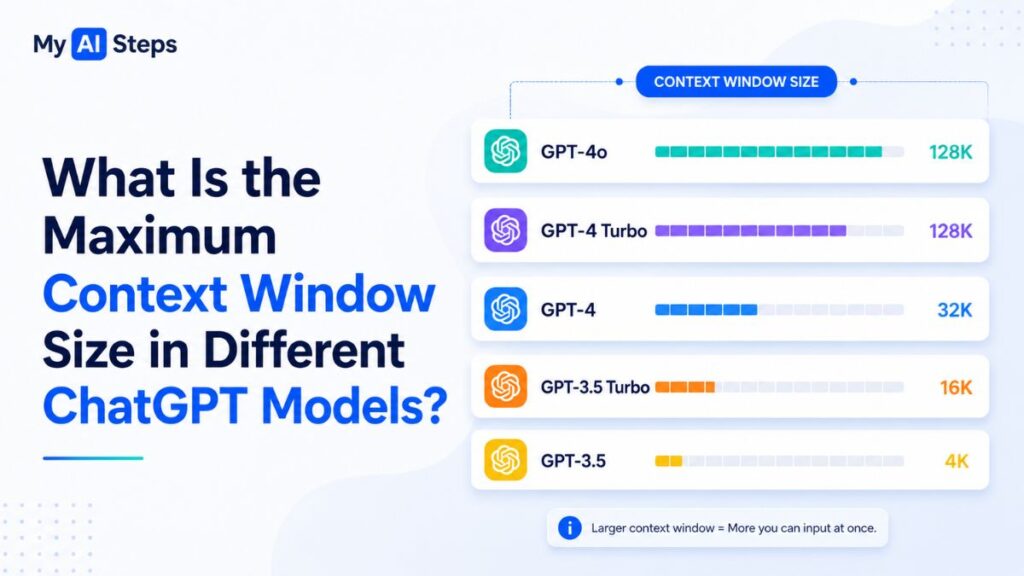
Quick Answer:Different ChatGPT models support different context window sizes, ranging from 4,096 tokens in early GPT-3.5 versions to 128,000 tokens in modern GPT-4o models.
The context window capacity has evolved significantly over the years. Early language models had relatively small context limits, which restricted their ability to handle long conversations and large documents. Modern models, however, can process far more information simultaneously, enabling complex workflows that were previously difficult or impossible.
The following table provides an easy comparison:
| Model Version | Context Window | Approximate Word Count |
| GPT-3.5 Turbo | 4,096 Tokens | ~3,000 Words |
| GPT-3.5 Turbo (16K) | 16,385 Tokens | ~12,000 Words |
| GPT-4 (8K) | 8,192 Tokens | ~6,000 Words |
| GPT-4 (32K) | 32,768 Tokens | ~24,000 Words |
| GPT-4 Turbo | 128,000 Tokens | ~96,000 Words |
| GPT-4o | 128,000 Tokens | ~96,000 Words |
| GPT-4o mini | 128,000 Tokens | ~96,000 Words |
Why Larger Context Windows Matter
A larger context window allows users to:
Analyze lengthy documents without constant summarization.
Work on long-form writing projects more efficiently.
Maintain continuity in extended conversations.
Process large codebases and technical documentation.
From practical experience, users working on ebook writing, software development, or academic research often notice substantial improvements when moving from smaller context models to 128K models. Tasks that previously required multiple sessions can often be completed in a single conversation.
GPT-4o and GPT-4o Mini: Same Capacity, Different Strengths
Although GPT-4o and GPT-4o mini share the same 128,000-token context limit, they are designed for different purposes.
GPT-4o delivers stronger reasoning, deeper analysis, and more sophisticated instruction-following. It performs exceptionally well on complex tasks requiring extensive contextual understanding.
GPT-4o mini, on the other hand, prioritizes speed and efficiency. It is ideal for summarization, information extraction, classification, and everyday conversational tasks.
For users who frequently work with extensive documentation or detailed multi-step projects, GPT-4o generally provides the best overall experience.
How Do Different Content Types Affect Token Usage?
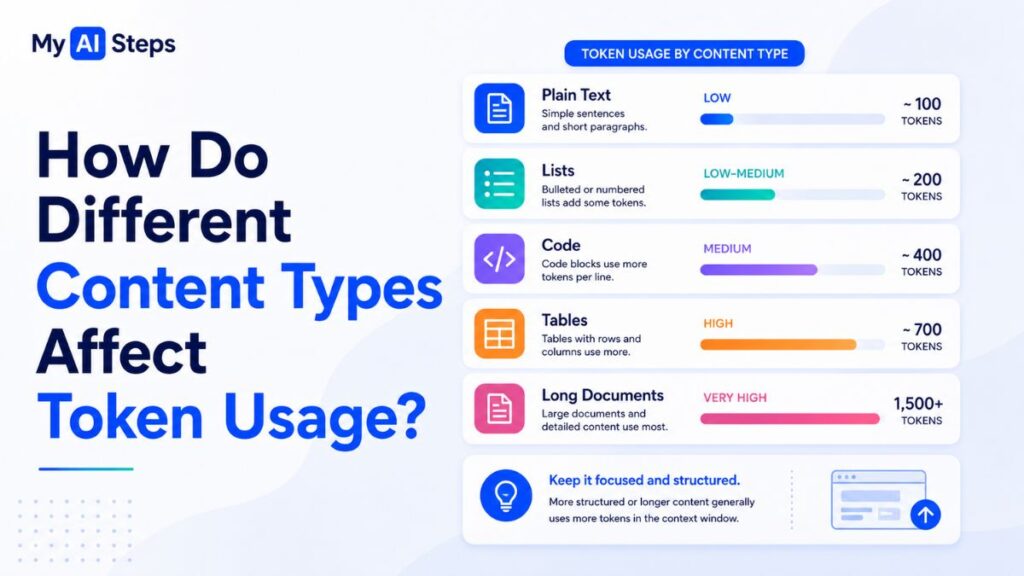
Quick Answer: Different types of content consume tokens at different rates. Plain text is usually the most efficient, while code, JSON, and non-English languages often consume significantly more tokens.
Many users assume that every word consumes tokens equally. In reality, token usage varies considerably depending on the content being processed.
Plain English Text
Standard English prose is generally the most token-efficient format.
A typical article, email, or report often follows the commonly used estimate:
100 tokens ≈ 75 words
This makes traditional written content relatively predictable when planning context usage.
Code and Programming Languages
Software developers often discover that source code consumes context space surprisingly quickly.
Complex code files contain:
Variables
Functions
Symbols
Indentation
Comments
Nested structures
All of these elements increase token consumption.
For example, a large Python script may occupy two or three times more tokens than a plain-language explanation describing the same logic.
Best Practice for Developers
Instead of pasting entire projects, provide:
Relevant functions only.
Specific code sections.
Short architecture summaries.
This approach improves response quality while preserving valuable context space.
Structured Data Formats
Formats such as:
JSON
XML
CSV
API Responses
can become extremely token-intensive.
Repeated field names, quotation marks, brackets, and nested objects significantly increase token usage.
Developers building AI-powered applications should carefully manage structured data inputs to avoid unnecessary context overflow.
Non-English Languages and Token Consumption
Token efficiency can also vary across languages.
Languages using non-Latin scripts, such as:
Arabic
Chinese
Japanese
Korean
Hindi
often consume more tokens than English.
This doesn’t reduce model quality, but it does mean that multilingual users may reach context limits sooner during long sessions.
ChatGPT Context Window vs Memory: Key Differences Explained
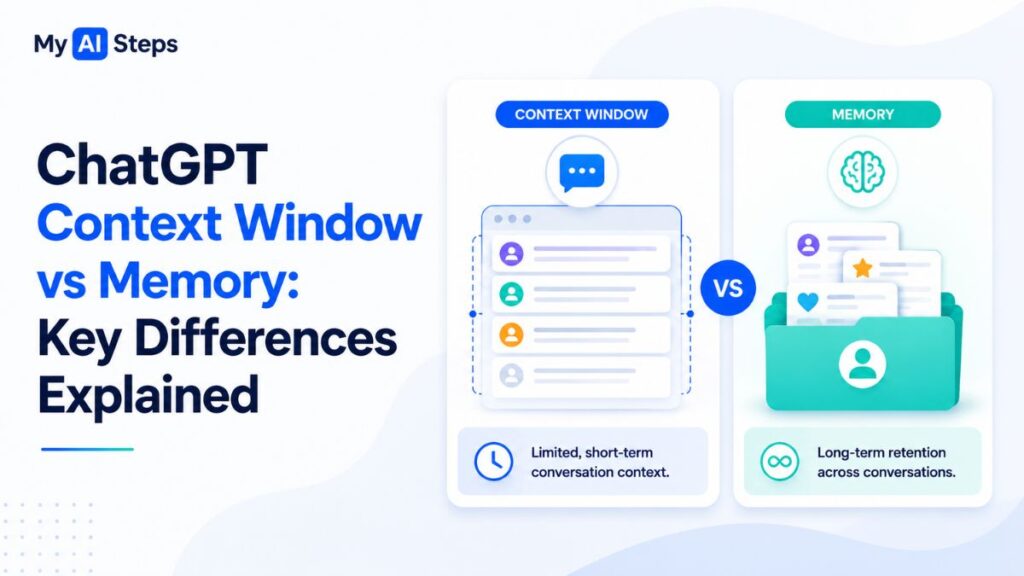
Quick Answer: The context window stores information temporarily during a conversation, while memory stores selected information across multiple sessions.
Many users mistakenly believe that ChatGPT memory and the context window are the same feature. In reality, they operate very differently.
| Feature | Context Window | Memory |
| Duration | Current Session Only | Across Sessions |
| Storage Type | Full Conversation Text | Summarized Notes |
| Persistence | Temporary | Persistent |
| User Control | Limited | Manageable Through Settings |
How the Context Window Works
The context window acts as temporary working memory.
Everything currently visible to the model—including user prompts, responses, uploaded content, and instructions—remains active only during that specific session.
Once the session ends, the context window closes.
Without memory enabled, future conversations start from scratch.
How ChatGPT Memory Works
Memory operates at the account level.
When enabled, ChatGPT can store useful information such as:
User preferences
Communication style
Ongoing projects
Frequently discussed topics
These stored summaries can then be referenced in future conversations.
However, memory does not store complete conversations word-for-word.
Does Memory Increase the Context Window?
No.
This is one of the most common misconceptions among users.
Memory does not expand the model’s context capacity. In fact, stored memory notes also consume a portion of the available context window when injected into new sessions.
Understanding this distinction helps users manage long conversations more effectively and avoid unrealistic expectations.
Which ChatGPT Models Offer the Largest Context Windows?
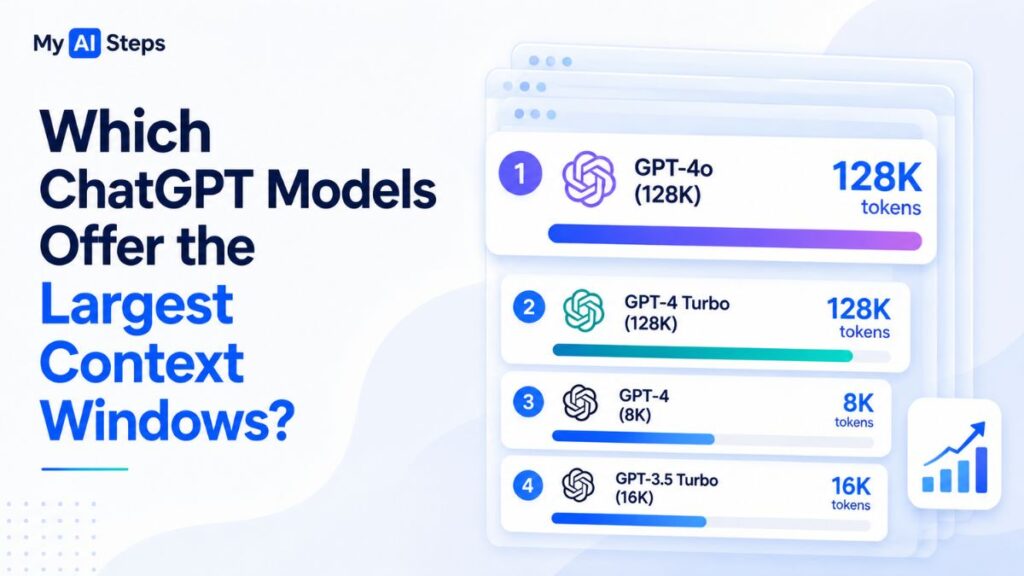
Quick Answer: GPT-4 Turbo, GPT-4o, and GPT-4o mini currently provide the largest widely available context windows, supporting up to 128,000 tokens.
Large context windows unlock entirely new workflows.
For example, users can:
Analyze complete research papers.
Review extensive legal contracts.
Work with long-form manuscripts.
Examine large software repositories.
Conduct multi-document analysis.
In hands-on testing, many professionals report that 128K models dramatically reduce the need for constant context management.
Writers no longer need to repeatedly restate instructions, and researchers can maintain continuity across significantly longer discussions.
When Should Context Window Size Influence Model Choice?
For everyday tasks such as brainstorming, drafting emails, or casual chatting, context size may not be a deciding factor.
However, if your workflow involves:
Long documents
Extensive research
Large codebases
Multi-step projects
Continuous collaboration
then choosing a model with a large context window becomes extremely important.
In practice, 128K models have become the preferred choice for professionals seeking maximum productivity and consistency during extended AI-assisted workflows.
What Happens When the ChatGPT Context Window Limit Is Reached?
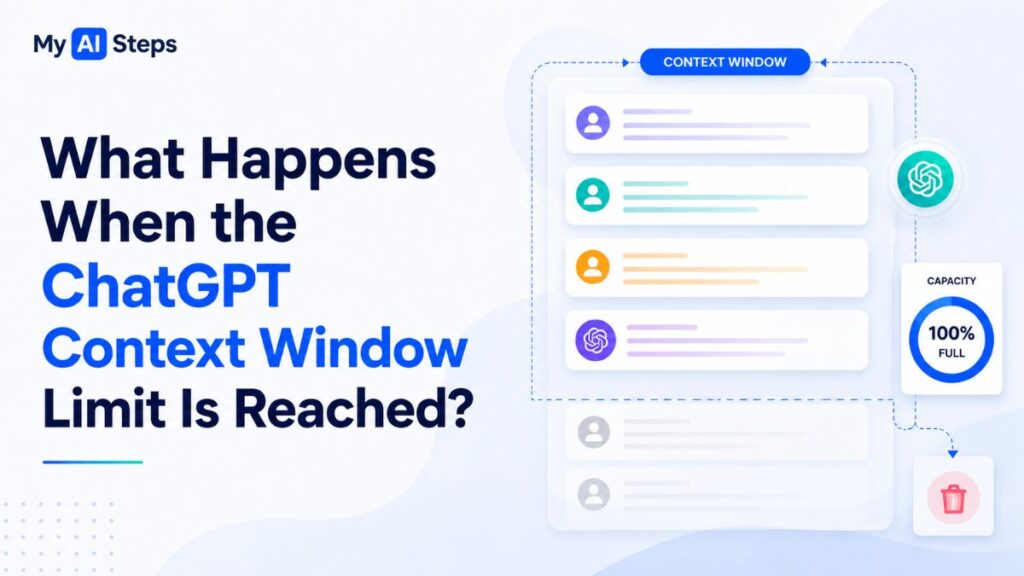
Quick Answer: When the ChatGPT context window becomes full, older information is either removed from active processing or the API returns an error, depending on how the model is being used.
Many users become confused when ChatGPT suddenly forgets earlier instructions, repeats questions, or changes its writing style during long conversations. In most cases, the context window limit has been reached.
In the consumer version of ChatGPT, older messages are typically removed from the model’s active awareness to make space for newer information. Although users can still see the entire chat history on screen, ChatGPT may no longer have access to all of it internally.
Common Signs That the Context Window Is Full
Users may notice several symptoms, including:
ChatGPT forgetting earlier instructions.
Previously established formatting rules disappearing.
Repeated clarification questions.
Contradictory answers during long sessions.
Inconsistent writing style.
From practical experience, content creators working on long articles often notice that tone and formatting begin to drift after dozens of interactions unless important instructions are periodically repeated.
What Happens in the API?
Unlike the ChatGPT interface, the API does not silently remove older information.
Instead, developers receive an explicit error indicating that the maximum context length has been exceeded. They must then reduce the token count, summarize earlier content, or split the task into multiple requests.
Understanding these limitations allows users and developers to build more reliable AI workflows.
How to Optimize Prompts for Better Context Window Usage
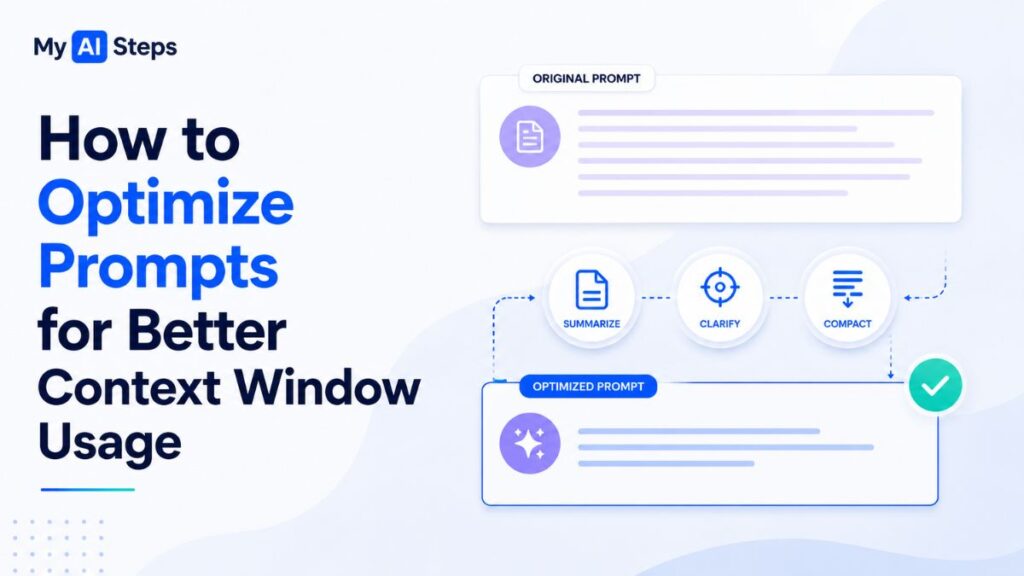
Quick Answer: The best way to optimize context usage is to write clear prompts, repeat critical instructions when necessary, and avoid unnecessarily large inputs.
Even with a large context window, efficient prompt design remains essential.
Use Clear and Specific Instructions
Avoid overly long introductions or unnecessary background information.
Instead of writing several paragraphs before asking your question, communicate your requirements directly.
For example:
✔️ “Write a beginner-friendly article using short paragraphs and a conversational tone.”
This approach reduces token waste while improving output quality.
Reinforce Important Instructions
During lengthy sessions, restating essential requirements helps maintain consistency.
For example, if tone, formatting, or SEO requirements are important, briefly remind ChatGPT when starting a new section.
Many experienced users naturally follow this practice during long-form content creation projects.
Work With Documents in Sections
Rather than uploading a massive document all at once, divide it into manageable sections.
This strategy offers several advantages:
Better response quality.
Improved accuracy.
Reduced context overflow.
More effective follow-up discussions.
Start New Conversations for New Topics
One of the simplest yet most effective strategies is to create a new chat whenever you begin a completely different task.
Doing so preserves maximum context capacity for the new discussion and minimizes unnecessary conversational overhead.
The Future of ChatGPT Context Windows and Long-Term AI Memory
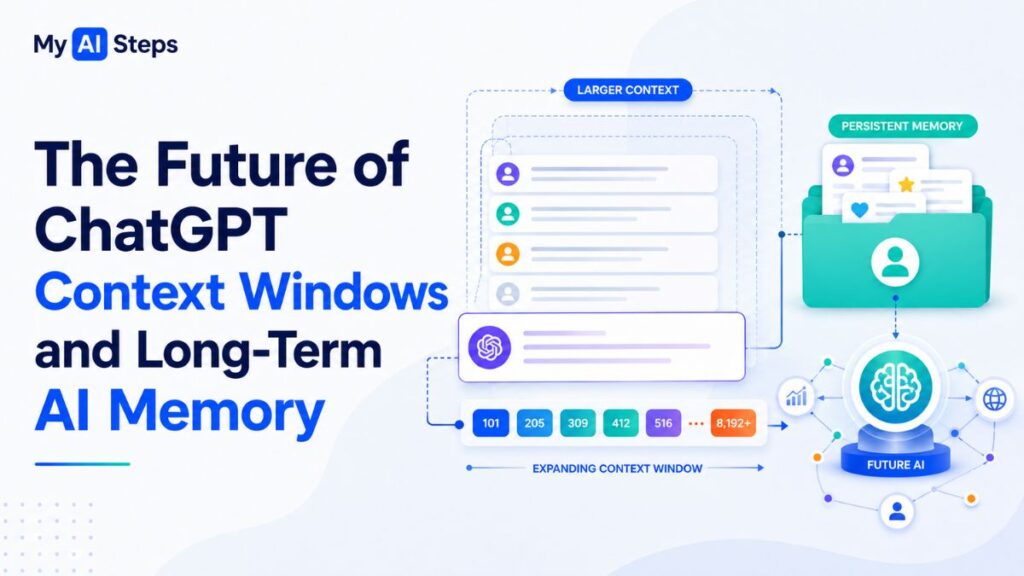
Quick Answer: Future AI systems are expected to combine larger context windows, smarter retrieval systems, and more advanced long-term memory capabilities.
Context capacity has expanded dramatically over the last few years. Early models supported only a few thousand tokens, while modern systems can process up to 128,000 tokens in a single session.
However, simply increasing context size is not the only direction AI development is taking.
Retrieval-Augmented Generation (RAG)
Many modern AI systems now use Retrieval-Augmented Generation (RAG).
Instead of storing everything inside a single context window, RAG systems retrieve only the most relevant information from external knowledge sources when needed.
This approach enables AI applications to work with massive knowledge bases without requiring extremely large context windows.
The Evolution of Long-Term AI Memory
Persistent AI memory is also evolving rapidly.
Future AI assistants may eventually:
Remember long-term projects.
Recall previous workflows accurately.
Maintain personalized preferences indefinitely.
Support continuous collaboration across months or years.
While today’s memory systems remain limited, ongoing advancements suggest that future AI experiences will feel increasingly personalized and context-aware.
For users, understanding current limitations while preparing for future capabilities is the most effective way to maximize value from today’s AI tools.
Conclusion
The ChatGPT context window plays a central role in determining how effectively the model can process information, maintain continuity, and deliver accurate responses during a conversation. Whether you’re writing articles, analyzing research papers, reviewing code, or managing complex projects, understanding how the context window works allows you to interact with AI more efficiently and avoid common frustrations caused by context limitations.
As AI technology continues to evolve, larger context windows, smarter retrieval systems, and improved memory features will further expand what these models can achieve. By understanding the fundamentals today, you’ll be better prepared to use future AI systems more productively and strategically.
Frequently Asked Questions
What is the ChatGPT context window in simple terms?
The context window is the total amount of text ChatGPT can actively process during a conversation.
How many tokens does GPT-4o support?
GPT-4o currently supports a context window of up to 128,000 tokens.
Does ChatGPT remember previous conversations automatically?
No, unless the memory feature is enabled, each conversation starts fresh.
What happens when the context window becomes full?
Older information may be removed from active processing, or the API may return an error.
Can users manually increase the ChatGPT context window size?
No, the context window size is fixed by the specific model being used.
Is a larger context window always better?
Not always; smaller models can perform equally well for short and simple tasks.
Why does ChatGPT forget earlier instructions?
Earlier instructions may fall outside the active context window during long conversations.
Which ChatGPT models offer the largest context windows?
GPT-4 Turbo, GPT-4o, and GPT-4o mini currently offer the largest widely available context windows.