

The funny thing about ChatGPT is that almost anyone can start using it within minutes, but learning how to use it effectively takes a little more time. At first, the process seems incredibly simple. You ask a question, ChatGPT provides an answer, and that’s the end of it. Many people assume that’s all there is to the tool.
But after seeing how different people use ChatGPT, I’ve noticed something interesting. Two users can ask for help with the exact same task and walk away with completely different experiences. One is impressed by the results, while the other wonders what all the hype is about. More often than not, the difference isn’t ChatGPT itself—it’s how they’re interacting with it. The good news is that a few small changes in your approach can make a surprisingly big difference.
Why Most People Get Average Results From ChatGPT
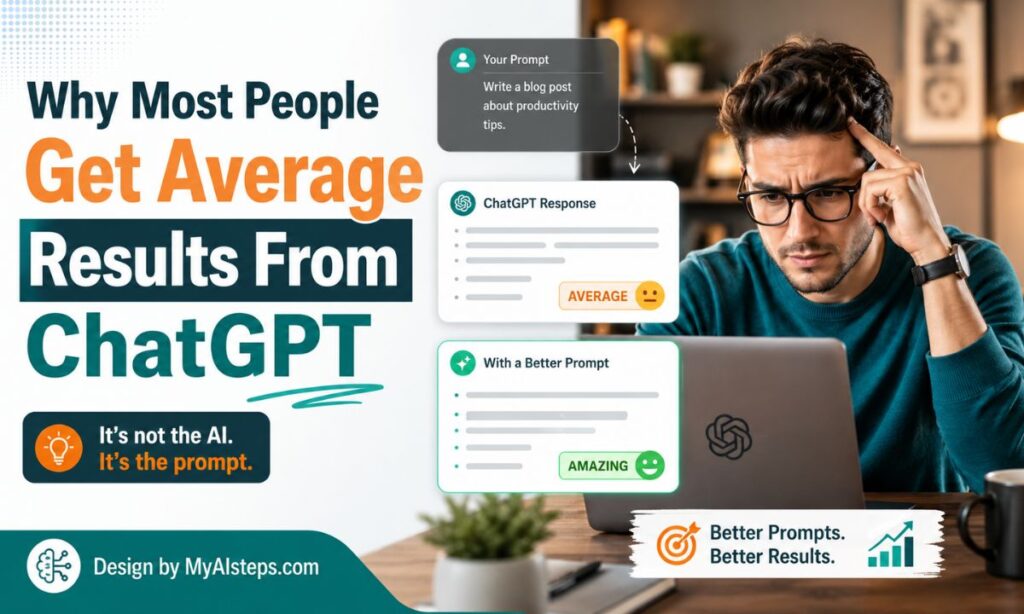
When ChatGPT first became popular, many users treated it like Google.
That’s understandable.
Both tools start with a blank box where you type something.
The similarity ends there.
With Google, you search for information.
With ChatGPT, you’re having a conversation.
The distinction matters more than most beginners realize.
For example, someone might type:
Give me a workout plan.
The answer will probably be decent.
But it’s also likely to be generic.
Now compare that with:
Create a beginner workout plan for a 40-year-old office worker who can exercise three times per week and has mild knee pain.
Suddenly the response becomes far more useful.
The lesson isn’t complicated.
ChatGPT works best when it understands your situation.
The more relevant context you provide, the more relevant the answer tends to be.
Start With a Clear Goal Before You Type Anything
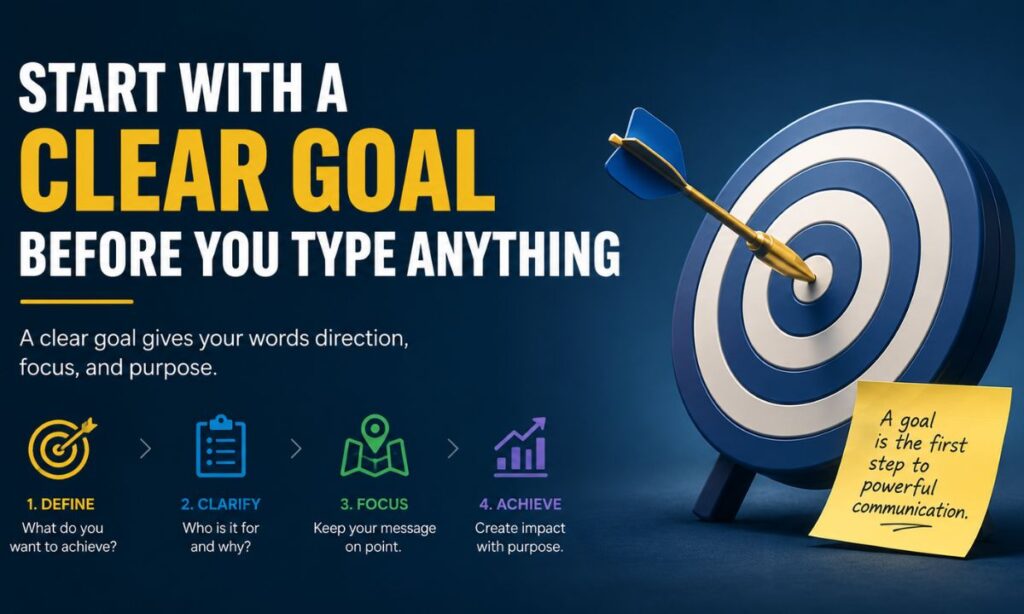
One habit I’ve noticed among experienced users is that they usually know what outcome they want before they write a prompt.
Beginners often skip this step.
Instead of deciding what they need, they start typing immediately.
That can lead to vague requests and vague answers.
Before opening ChatGPT, ask yourself:
- Am I trying to learn something?
- Do I need ideas?
- Am I solving a problem?
- Do I need help writing?
- Am I researching a topic?
Having a clear objective changes the quality of your prompts almost instantly.
For example:
Instead of:
Tell me about email marketing.
Try:
Explain email marketing to someone launching their first online store and recommend three beginner-friendly strategies.
The second prompt gives ChatGPT direction.
Direction leads to better results.
Give ChatGPT Context It Can’t Guess
This might be the single biggest improvement most users can make.
Many people assume ChatGPT already understands their situation.
It doesn’t.
It only knows what you tell it.
Let’s imagine two people ask for help writing a resume.
The first says:
Help me write a resume.
The second says:
Help me write a resume for an entry-level marketing position. I recently graduated, completed two internships, and have limited professional experience.
Which response is likely to be more useful?
The answer is obvious.
Context matters.
Whenever possible, tell ChatGPT:
- Who you are
- What you’re trying to accomplish
- Who the audience is
- Any important limitations
- What success looks like
You don’t need a paragraph every time.
Even a few extra details can dramatically improve the quality of the response.
Treat ChatGPT Like a Conversation, Not a Search Engine
This is where many users leave value on the table.
They ask one question.
Read one answer.
Move on.
I’ve done this myself.
Most people have.
The problem is that the first answer is often just the starting point.
Imagine hiring a consultant and only allowing them to speak once.
That wouldn’t make much sense.
Yet that’s essentially what many people do with ChatGPT.
If the answer isn’t exactly what you need, continue the discussion.
Ask things like:
Can you simplify that?
Give me an example.
What would an expert say?
Can you make this more practical?
What am I missing?
Some of the most useful insights appear several messages into the conversation, not in the first response.
Learn the Art of Asking Better Follow-Up Questions
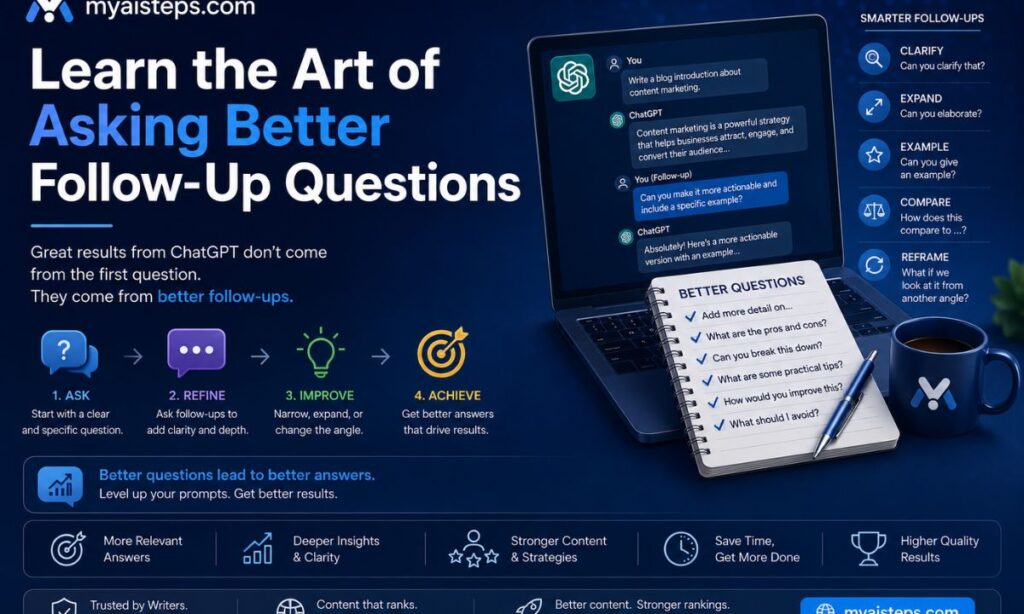
One thing that surprised me after using ChatGPT regularly is how often the follow-up question matters more than the original prompt.
Let’s say ChatGPT gives you a solid answer.
Push further.
For example:
Initial question:
How can I improve my website traffic?
Follow-up questions:
Which of these strategies would work best for a new website?
Which approach requires the lowest budget?
What mistakes should I avoid?
What would you prioritize first?
Notice what’s happening.
The conversation becomes increasingly specific.
That’s usually where the best insights appear.
Many experienced users spend less time crafting the perfect first prompt and more time refining the conversation afterward.
The Best Prompt-Writing Habits to Develop Early

People often ask for the perfect prompt formula.
Honestly, I think that’s the wrong approach.
The best ChatGPT users I know aren’t using secret templates.
They’re simply good at explaining what they need.
A useful habit is to imagine you’re talking to a smart assistant who knows a lot but knows absolutely nothing about your specific situation.
Because that’s essentially what’s happening.
Instead of writing:
Give me business ideas.
Try:
I have a $2,000 budget, no coding experience, and about 10 hours per week. What are some realistic online business ideas I could start?
Notice how much easier that question is to answer.
Another habit that helps is specifying the format you want.
For example:
- Give me a checklist.
- Summarize this in bullet points.
- Explain it step by step.
- Compare the options in a table.
- Write it for a complete beginner.
Small instructions like these often make a bigger difference than people expect.
Common Mistakes That Reduce Answer Quality
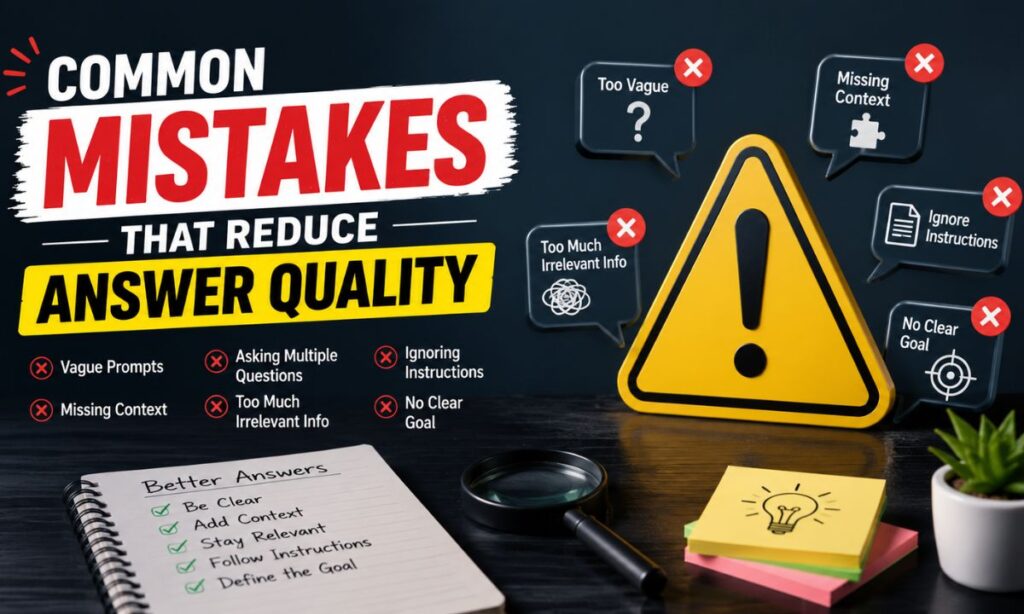
After using ChatGPT for a while, you’ll start noticing patterns.
Some habits consistently lead to better results.
Others almost always lead to disappointing ones.
Asking Extremely Broad Questions
Questions like:
Tell me about investing.
aren’t wrong.
They’re just so broad that the answer usually becomes generic.
A more effective version might be:
Explain investing for someone in their twenties who is starting with $100 per month.
The narrower the request, the more useful the response tends to be.
Expecting ChatGPT to Read Your Mind
This sounds obvious, but people do it all the time.
They leave out important details and then wonder why the answer feels off.
Whenever you’re disappointed with a response, ask yourself:
Did I actually provide enough information?
Quite often, the answer is no.
Chasing the Perfect Prompt
This is another trap.
Some users spend ten minutes trying to craft the perfect prompt before they send anything.
Meanwhile, experienced users often start with a rough prompt and improve the conversation through follow-up questions.
The second approach is usually faster.
How to Use ChatGPT for Work, Studying, and Research
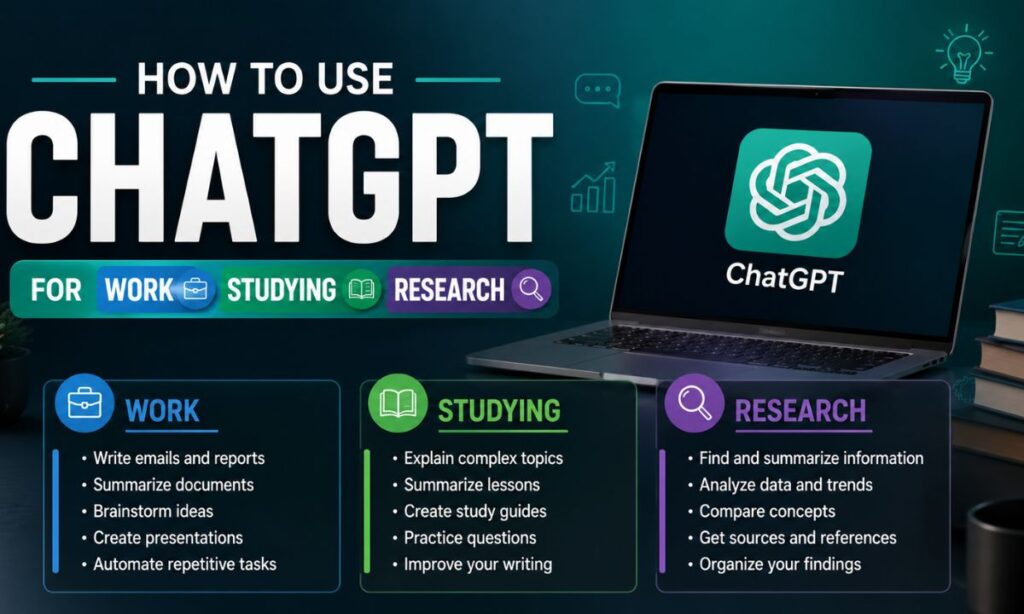
One thing I’ve learned is that ChatGPT becomes more valuable when it works alongside your existing workflow rather than replacing it.
For Work
A lot of professionals use ChatGPT for tasks that aren’t particularly exciting but still need to be done.
Things like:
- Drafting emails
- Organizing notes
- Summarizing meetings
- Brainstorming ideas
- Improving reports
The goal isn’t necessarily to let ChatGPT do all the work.
It’s often about getting past the blank page faster.
That’s where many people save the most time.
For Studying
Students tend to benefit from ChatGPT when they use it as a learning partner.
For example:
Explain this concept differently.
Give me a real-world example.
Test my understanding with five questions.
That last one is especially useful.
Instead of only reading information, you’re actively interacting with it.
For Research
This is where ChatGPT can be surprisingly helpful.
Not because it replaces research.
Because it accelerates the early stages.
Let’s say you’re learning about renewable energy.
Instead of immediately opening twenty tabs, you can start by asking ChatGPT:
What are the main areas I should understand first?
That creates a roadmap.
Then you can dive deeper using reliable sources.
Why Fact-Checking Still Matters
This section might sound boring, but it’s probably one of the most important.
ChatGPT can produce excellent answers.
It can also produce incorrect answers.
The challenge is that both can sound equally convincing.
That’s why experienced users develop a simple rule:
The more important the information, the more important the verification.
If ChatGPT helps you brainstorm blog ideas, a small mistake probably doesn’t matter.
If ChatGPT helps you make a financial, legal, or medical decision, verification becomes essential.
I think the biggest misunderstanding about AI is the belief that confidence equals accuracy.
It doesn’t.
Treat ChatGPT as a helpful assistant, not an unquestionable authority.
That mindset alone prevents a lot of problems.
Advanced Techniques Power Users Rely On
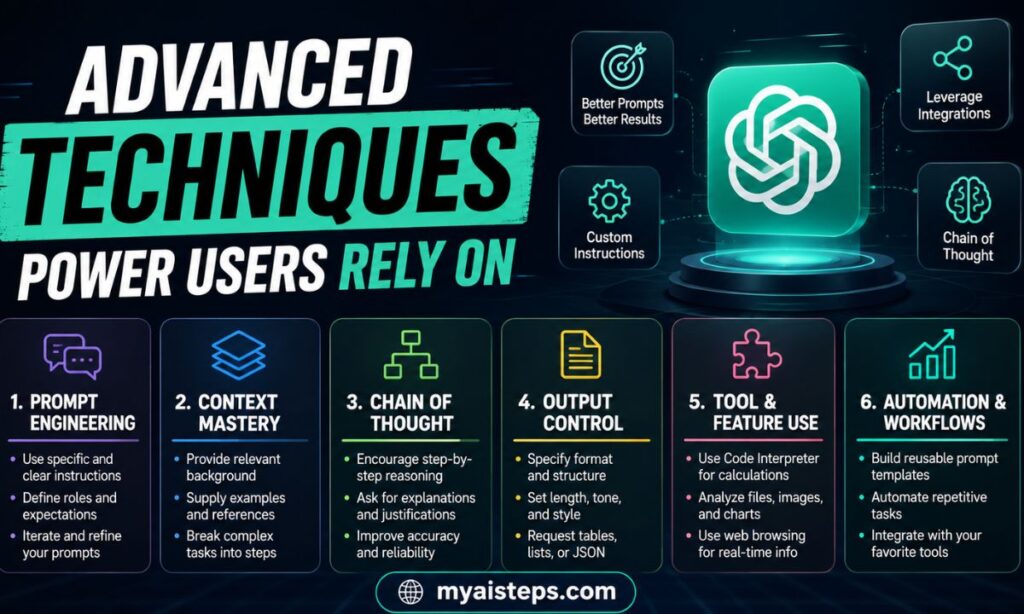
Once you’ve used ChatGPT for a while, you’ll notice certain habits that consistently improve results.
One of my favorites is asking ChatGPT to critique its own answer.
For example:
What’s missing from this response?
Or:
What would an expert disagree with here?
Those questions often reveal blind spots you wouldn’t have considered.
Another useful technique is role prompting.
You might say:
Answer this as an experienced project manager.
Or:
Explain this as a university professor teaching beginners.
The perspective changes the response dramatically.
One more trick that doesn’t get talked about enough:
Ask for alternatives.
Many users stop after receiving one solution.
Try asking:
Give me three different approaches.
Sometimes the second or third option turns out to be the best one.
Frequently Asked Questions
Is there a perfect prompt for ChatGPT?
Not really.
Good prompts provide clear goals, useful context, and specific instructions.
Beyond that, the conversation matters more than any single prompt.
How many details should I include?
Enough to explain your situation without overwhelming the request.
In general, more relevant context is better than less.
Why does ChatGPT sometimes give different answers to the same question?
Because responses are generated dynamically and context influences the output.
Small changes in wording can lead to different results.
Can ChatGPT replace experts?
No.
It can assist experts and help beginners learn faster, but it shouldn’t replace professional advice in important situations.
What’s the fastest way to improve my results?
Ask better follow-up questions.
That single habit improves the quality of responses more than most people realize.
Final Thoughts
Using ChatGPT effectively isn’t about mastering complicated techniques—it’s about building better habits. The users who get the best results are usually the ones who provide clear instructions, add useful context, and keep the conversation going instead of settling for the first response. Over time, you begin to realize that ChatGPT works best when it’s treated as a conversation rather than a search engine. The more curious and engaged you are, the more valuable the experience becomes.