If you’ve ever pasted a ChatGPT draft into an AI detector and watched it get flagged red, you already know the frustration. Maybe you cleaned up the wording yourself, added your own voice, even rewrote whole paragraphs — and it still came back “likely AI-generated.” That experience is common among students, freelance writers, and content marketers right now, and it’s the reason so many people start searching for ways to strip out whatever is triggering that flag.
This guide walks through what’s actually happening behind the scenes when ChatGPT text gets detected, what people mean when they say “watermark,” and what’s realistic to expect if you’re trying to make AI-assisted writing pass as human. No exaggerated promises here — just a practical breakdown of how this works.
What Is a ChatGPT Watermark and Why It Appears in AI Content
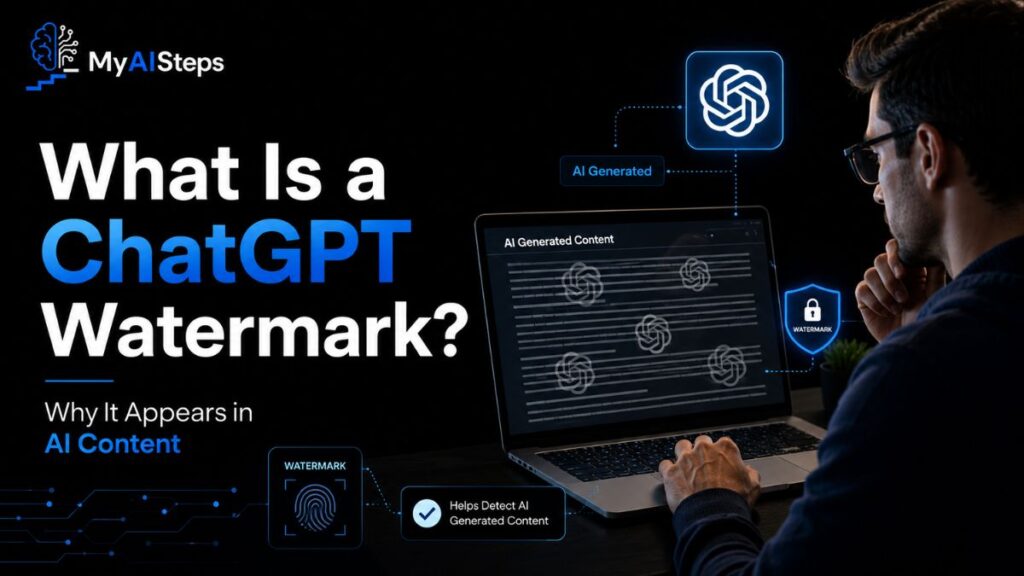
When people say “ChatGPT watermark,” they’re usually not talking about a literal stamp or hidden code embedded in the text — though that technology does exist in research form. What most writers actually run into is something subtler: a statistical fingerprint left behind by how large language models generate text.
Here’s the practical version. ChatGPT predicts each next word based on probability. Given the start of a sentence, certain words are far more likely to come next than others, and the model tends to pick from that high-probability pool. Do this across thousands of words and you get a pattern — smooth, evenly paced, and a little too consistent. Detection tools like GPTZero, Originality.ai, and Turnitin’s AI checker are trained to recognize that pattern, not to find a secret tag hidden in the file.
A simple example: a student submits a five-paragraph essay drafted in ChatGPT, replaces a few words with a thesaurus, and still gets flagged. That happens because the underlying sentence rhythm and word predictability haven’t actually changed — only the surface vocabulary did. The detector isn’t reading for “AI words,” it’s reading for a pattern of predictability that survives light editing.
There’s also a separate, more technical layer worth knowing about. OpenAI and other AI labs have experimented with actual cryptographic watermarking — subtly biasing token selection in a way that’s invisible to readers but detectable with the right algorithm. This isn’t something writers encounter directly in everyday ChatGPT use, but it explains why the word “watermark” stuck in public conversation, even when most detection happening today relies on statistical pattern analysis instead.
Is It Really Possible to Remove ChatGPT Watermark?
Short answer: it depends on what you’re actually trying to remove, and people often expect a cleaner outcome than what’s realistic.
If you mean an embedded cryptographic watermark, that technology isn’t something the average user can manually strip out, mainly because it isn’t broadly active in the public version of ChatGPT that most people use. So in that narrow technical sense, there’s nothing to “remove” for most everyday content.
What you can actually influence is the statistical signature — the predictability pattern that detectors pick up on. This is doable, but it takes real editing work, not a single trick. Rewriting sentence structure, varying sentence length on purpose, adding small personal observations, even leaving in minor imperfections — these all push the text away from that uniform AI rhythm. I’ve seen writers cut detection scores significantly just by reading their draft out loud and rewriting any sentence that sounds too “textbook perfect.”
What doesn’t work nearly as well: running text through a synonym-swapper or paraphrasing tool and calling it done. I’ve tested this approach plenty of times, and the result usually still reads stiff, sometimes even less natural than the original, while the detector still flags it. The reason goes back to what was explained earlier — swapping words changes vocabulary, not the predictability pattern underneath it.
So removal in the literal sense isn’t really the goal. Reduction through genuine rewriting is what actually moves the needle, and even then, no method guarantees a permanent zero percent AI score across every detector, since these tools update their models constantly.
Understanding How AI Detection and Watermarking Works
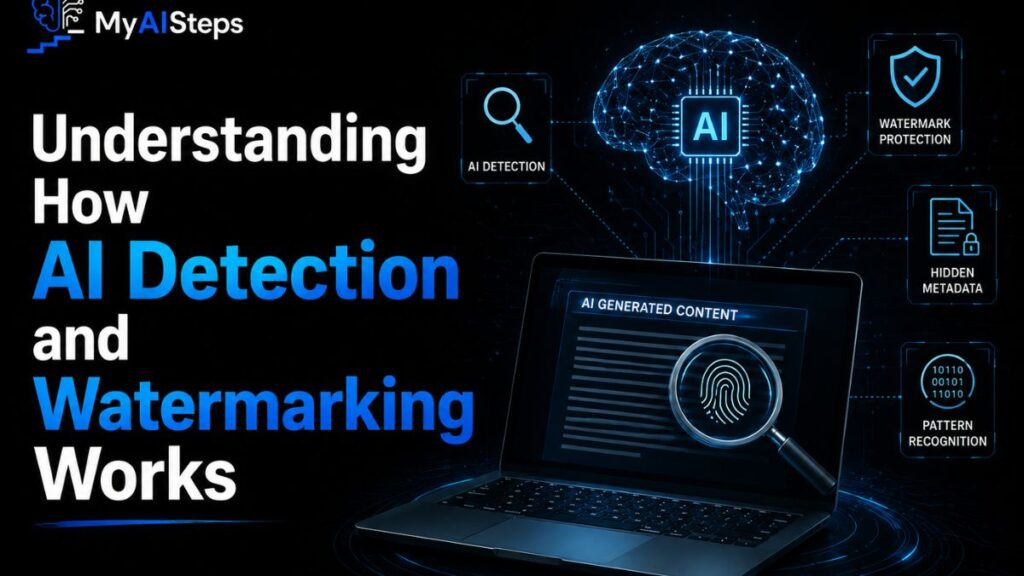
To get better at editing AI text, it helps to understand what detectors are actually measuring. Two terms come up constantly in this space: perplexity and burstiness.
Perplexity measures how predictable a piece of text is to a language model. Low perplexity means the words follow an expected, “safe” pattern — which is exactly what ChatGPT tends to produce by default, since it’s optimized to generate coherent, statistically likely text. Human writing, by contrast, tends to have higher perplexity. We make odd word choices, take unexpected turns in a sentence, and occasionally write something a model wouldn’t have predicted.
Burstiness refers to variation in sentence length and structure. Human writers naturally mix short punchy sentences with longer, more complex ones, often without thinking about it. AI-generated text tends to be more uniform — paragraphs built from sentences of similar length and rhythm, which reads smoothly but flatly when you look closely.
Most AI detectors work as classifiers trained on large samples of both human and AI text, learning to recognize these patterns rather than searching for any single “AI marker.” That’s why two pieces of writing with identical meaning can score very differently — one feels mechanically smooth, the other has the natural unevenness of how people actually write and think.
Why People Want to Remove ChatGPT Watermark from Content
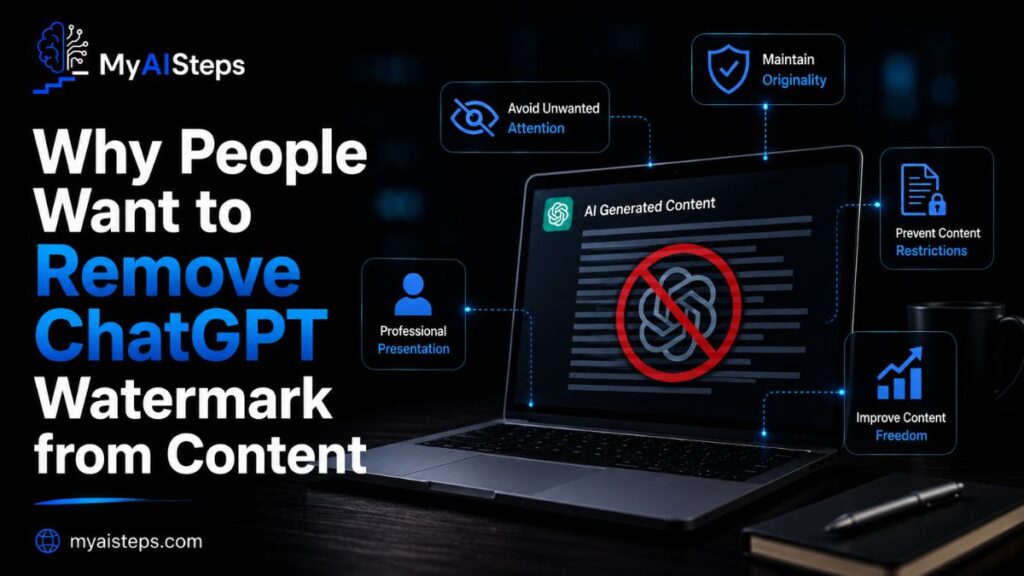
The motivation behind this search is rarely about beating a system just for fun. It usually comes from a real, sometimes stressful situation.
Students are one of the biggest groups. A paper gets flagged by Turnitin’s AI detector, and suddenly there’s a meeting with a professor and questions about academic integrity, even if the student did genuinely research and write part of it themselves with ChatGPT as a starting point.
Freelance writers and content agencies face a different kind of pressure. Clients now ask directly, “Can you confirm this is 0% AI?” before paying an invoice. A writer who used ChatGPT to speed up a first draft, then rewrote it heavily, can still get flagged and lose the gig over a tool’s guess rather than the actual quality of the work.
SEO marketers have their own reason. There’s a common belief that Google penalizes AI-detected content directly, so site owners run every blog post through a detector before publishing, trying to avoid any risk to rankings — even though Google has stated its ranking systems focus on content quality and helpfulness, not on whether a detector flags the writing process.
Then there’s the simpler case: someone just wants their writing to sound like them. ChatGPT output, left untouched, tends to read a bit generic. People want to keep the speed benefit of AI assistance while still producing something that reflects their own voice and judgment.
Risks and Ethical Issues of Removing AI Watermarks
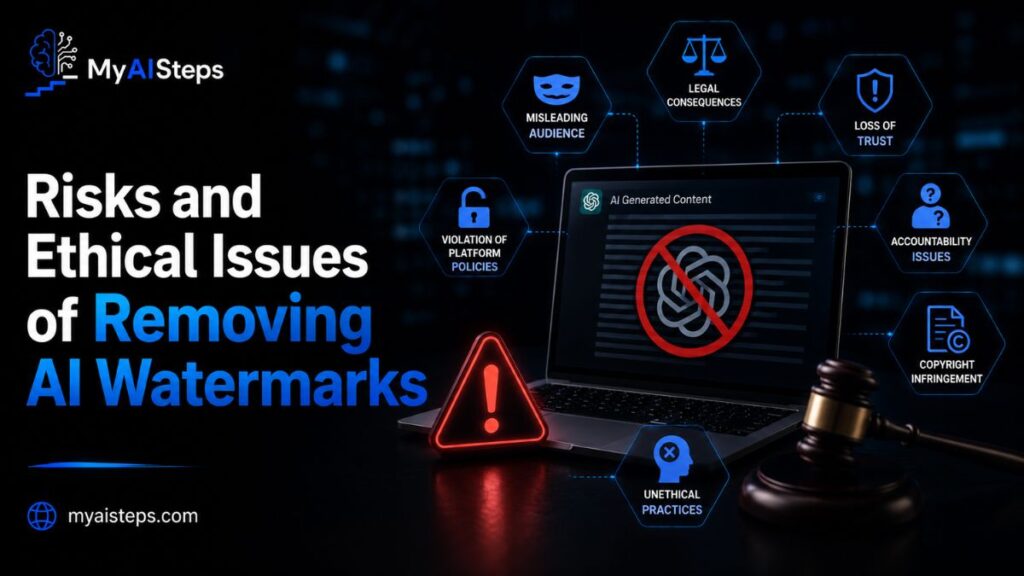
Before going down this path, it’s worth being honest about what’s actually at stake.
In academic settings, deliberately disguising AI-generated text to pass as fully original work can count as a violation of academic integrity policies, even if no single rule mentions “AI” by name. Universities have been updating these policies fast, and a student caught manipulating text specifically to dodge detection often faces a harder consequence than someone who simply disclosed AI assistance upfront.
For freelancers, there’s a trust issue. If a client explicitly asks for 100% human-written content and a writer submits AI-assisted work disguised to pass detection, that’s a contract problem, not just a technical one. I’ve seen working relationships end over exactly this, once a client ran an older draft through a detector and noticed inconsistencies with a “final” version.
There’s also a platform-policy angle. Some publishing platforms, course-grading systems, and content marketplaces have specific clauses against using tools to evade AI detection. Violating those terms can mean account bans or removed content, separate from any ethical debate.
On the ethical side, the bigger concern shows up at scale. Disguising AI text to pass as human matters a lot more when it’s used for fake reviews, misleading news content, or impersonation, compared to a marketer polishing a product description. Context changes how serious this is — but it’s worth thinking through before assuming “everyone does it” makes it harmless.
Common Myths About ChatGPT Watermark Removal
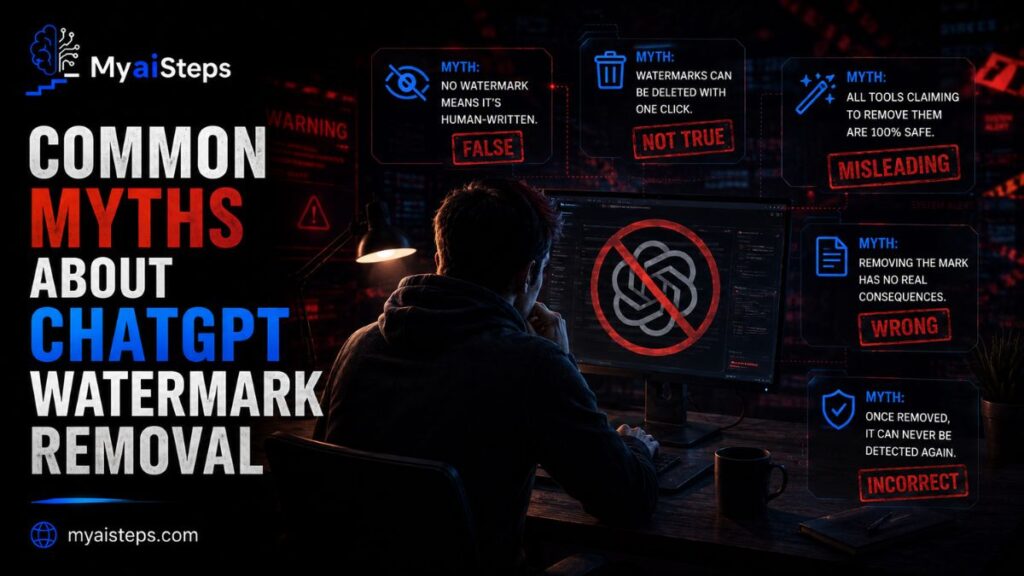
A lot of confusion floats around this topic, so it’s worth clearing a few things up directly.
Myth one: there’s a hidden watermark sitting inside the text file that you can find and delete. For nearly all everyday ChatGPT use, this isn’t true. What’s being detected is a writing pattern, not an embedded tag.
Myth two: paraphrasing tools guarantee a clean human score. They don’t. Most paraphrasers just substitute synonyms while keeping the same sentence structure underneath, which is exactly what detectors are trained to catch. I’ve run the same paragraph through three different paraphrasing tools and watched all three versions still get flagged.
Myth three: Google penalizes pages because an AI detector flags them. This isn’t accurate. Google’s public guidance focuses on whether content is helpful and meets the searcher’s needs, not on the writing process behind it.
Myth four: all AI detectors agree with each other. They don’t, and that’s a real problem. The same paragraph can score 12% AI on one tool and 68% on another, simply because each detector trains on different data and uses different thresholds.
Myth five: once you find a trick that beats detection, it works forever. Detection models get retrained regularly, sometimes specifically targeting the patterns left behind by popular paraphrasing tools, so something that works today may get caught next month.
How to Make ChatGPT Content Look Fully Human-Written
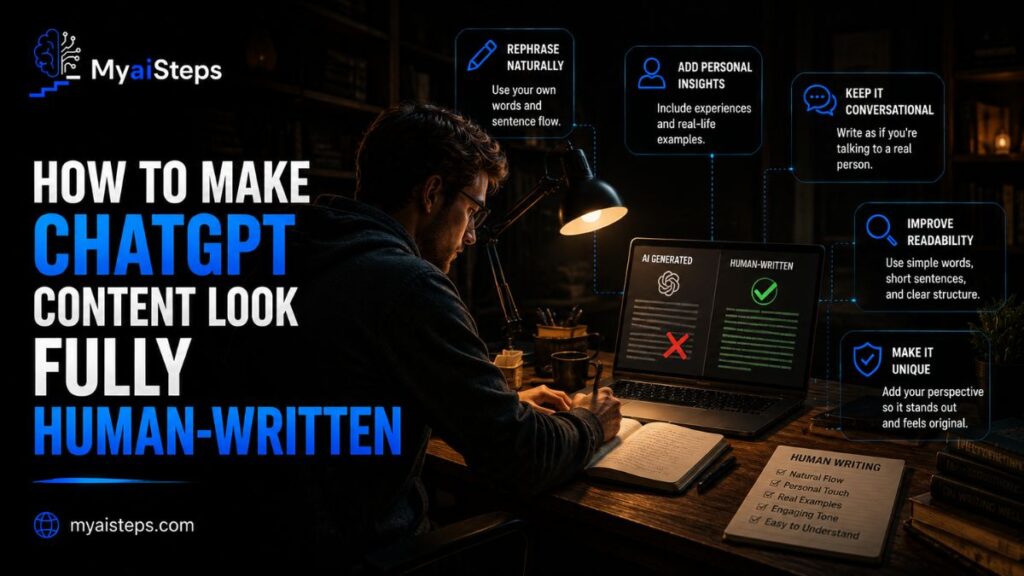
This is where actual editing skill matters more than any tool.
Start by reading the draft out loud. Sentences that sound stiff or oddly formal when spoken usually read the same way to a detector. Rewrite those in your own natural phrasing.
Vary sentence length on purpose. Follow a longer, detailed sentence with something short. AI text tends to keep a steady rhythm, and breaking that rhythm is one of the simplest ways to shift the pattern detectors look for.
Add something the model couldn’t have known: a specific personal example, a number from your own experience, a small opinion or disagreement. ChatGPT can describe a concept generally, but it can’t tell a story from your actual client meeting last week.
Cut generic transition phrases and vague summarizing lines. Replace broad statements with something concrete. Instead of “many businesses benefit from this,” name an actual scenario or example.
Restructure paragraphs instead of just rewording sentences. Move ideas around, combine two short points into one, split a dense paragraph into two. This changes the underlying structure, not just the vocabulary sitting on top of it.
Best Editing Techniques to Rewrite AI-Generated Text Naturally
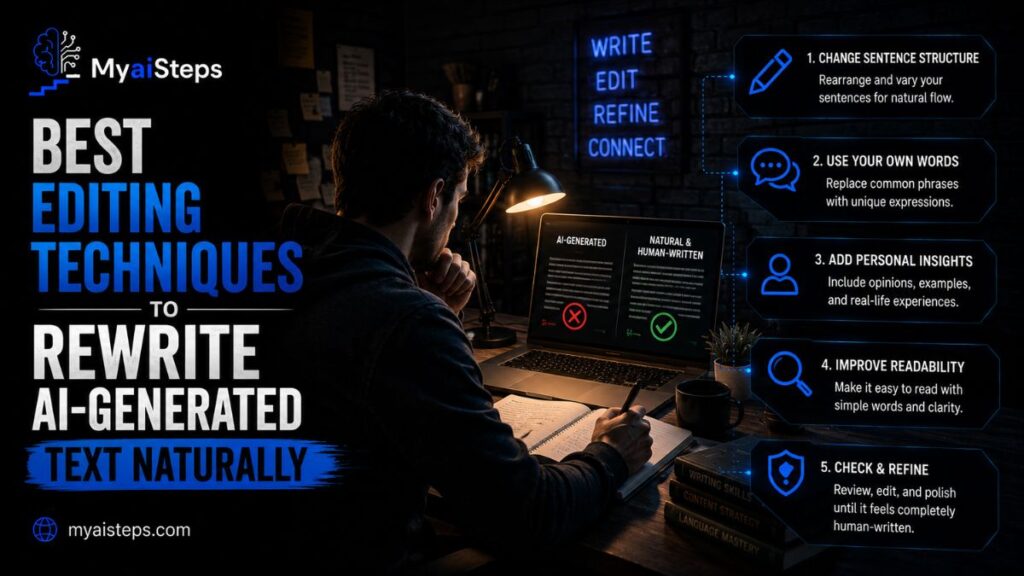
Good editing here isn’t about tricking software. It’s about doing what a real editor would do to any flat first draft.
One technique that works well: write the AI version, then close it and rewrite the paragraph from memory in your own words. You’ll naturally drop some of the stiff phrasing because you’re not anchored to the original sentence structure anymore. This is slower than editing line by line, but the result reads far more natural.
Another approach is the “say it like you’d explain it to a friend” test. ChatGPT tends to default to a slightly formal, textbook tone. If a sentence wouldn’t come out of your mouth in a normal conversation, change it. Replace “utilize” with “use.” Replace “in order to” with “to.” Small swaps like this add up across a full article.
Pay attention to transitions too. AI writing leans heavily on connector words to link ideas smoothly. Real writers often skip the connector and just let two ideas sit next to each other, trusting the reader to follow. Cutting half your transition words usually tightens the writing and makes it feel less mechanical.
Adding specific details helps a lot as well. If ChatGPT writes “many companies have seen improvements after switching strategies,” and you can replace that with an actual detail — a rough timeframe, a specific industry, a concrete outcome — the sentence instantly sounds more grounded and less like a generic placeholder.
Lastly, don’t edit only for word choice. Look at paragraph order. Sometimes the clearest sign of AI writing isn’t a single sentence, it’s the predictable structure: intro line, three supporting points, wrap-up line, repeated section after section. Breaking that pattern, even slightly, makes a real difference.
Tools That Claim to Remove AI Watermarks (Are They Safe?)
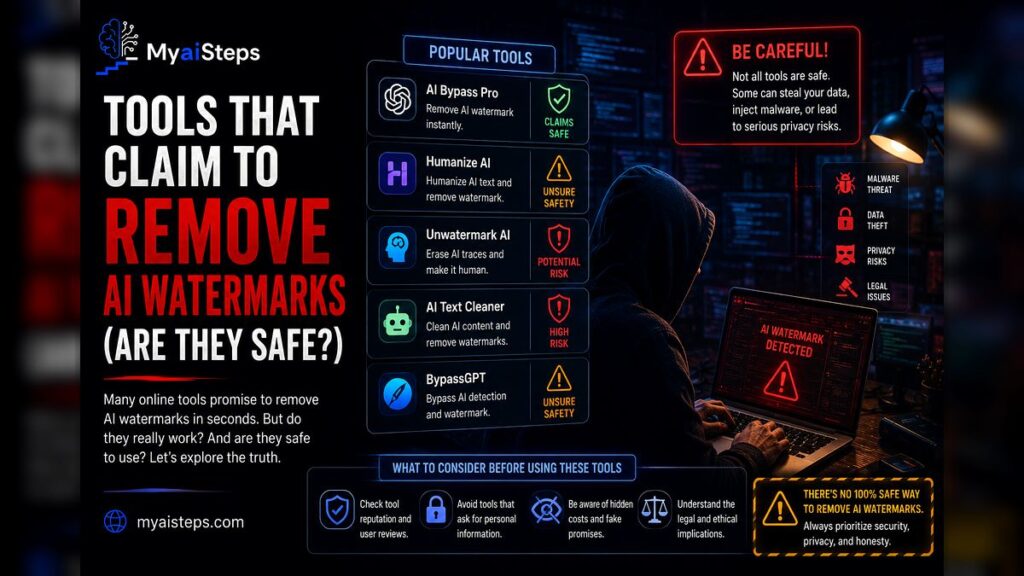
A whole category of tools has popped up promising to “humanize” AI text or remove detection flags in one click. It’s worth approaching these carefully.
Most of these tools work by paraphrasing your text through another language model, sometimes layering in deliberate typos, sentence reordering, or unusual word substitutions meant to confuse detectors. Some genuinely reduce detection scores in testing. Others just produce awkward, slightly broken English that reads worse than the original AI draft.
There are a few practical concerns beyond just effectiveness. Many of these tools require pasting your full content into a third-party website, which raises a real question about where that data goes afterward, especially for unpublished client work or anything under an NDA. Free tools, in particular, often have vague or missing privacy policies.
Quality is inconsistent too. I’ve tested a handful of these “AI humanizer” tools side by side on the same paragraph, and the output ranged from genuinely improved to noticeably worse, with strange phrasing that a careful reader would catch immediately even without running it through a detector.
There’s also the detection arms race to consider. Tools built specifically to beat detectors often get targeted directly once detection companies notice the pattern, meaning a method that lowers your score today might stop working within weeks. Relying entirely on one of these tools as a permanent fix isn’t realistic.
If you do try one, treat the output as a rough draft, not a finished product. Read it fully, fix anything that sounds unnatural, and add your own details back in. The tool can save time on a first pass, but it shouldn’t replace your own editing judgment.
Final Thoughts
Chasing a zero percent AI score is a moving target, since detectors keep changing and disagreeing with each other anyway. What actually holds up over time is writing that sounds like you, with real examples, natural sentence rhythm, and details a model couldn’t have invented on its own. That approach solves the detection problem as a side effect, instead of making it the whole goal.
If you’re using ChatGPT for first drafts, treat it as a starting point, not a finish line. Rewrite, reorganize, and add your own perspective. It takes more effort than running text through a one-click tool, but it’s the version of “removing the watermark” that actually lasts.
Frequently Asked Questions
Can you actually delete a watermark from ChatGPT text?
Most everyday ChatGPT text has no embedded watermark to delete; detectors are reading writing patterns instead.
Do AI humanizer tools really work?
Some reduce detection scores temporarily, but results are inconsistent and often need manual editing afterward.
Does Google penalize AI-written content directly?
No, Google’s guidance focuses on content quality and helpfulness, not on detecting the writing process.
Why do different AI detectors give different results for the same text?
Each detector trains on different data and uses its own scoring method, so scores often disagree.
What’s the safest way to make ChatGPT content sound human?
Manually rewrite sentences, vary sentence length, and add real personal details or examples.