
Most beginners expect ChatGPT to automatically understand everything they type. They open the tool, enter a simple question like “write about marketing” or “tell me about AI,” and then get a response that feels too general or incomplete.
The problem is not the AI — it is the prompt quality.
Learning how to write your first prompt in ChatGPT is one of the most important skills for getting high-quality results from AI tools. ChatGPT is a Large Language Model (LLM), which means it does not “think” like a human. Instead, it predicts responses based on the instructions you provide.
For example:
- “Write about business” ❌
- “Write a 200-word beginner-friendly explanation of online business for students with examples” ✅
Both are prompts, but the quality of output changes completely.
In this guide, you will learn what a prompt is, why it matters, and how to write your first effective prompt step by step using Semantic SEO principles and practical examples.
What Is a Prompt in ChatGPT?

A prompt is the input or instruction you give to ChatGPT to generate a response. It can be a question, command, request, or task.
In simple terms, your prompt is the only communication bridge between you and the AI.
ChatGPT does not have real-world awareness or personal memory. It only responds based on the text you provide.
SEO-Friendly Definition (Snippet Ready)
A prompt in ChatGPT is the instruction or input given by a user to generate a specific and relevant AI response.
The clarity of your prompt directly determines the quality of the output. This is why prompt engineering has become an important skill in the era of generative AI.
Why Learning Prompt Writing Is Important

Most beginners treat ChatGPT like a search engine. They type short queries and expect precise answers. However, ChatGPT is not Google — it is a conversational AI system.
Poor prompts lead to:
- Generic responses
- Irrelevant information
- Lack of structure
- Time wasted on rewriting outputs
On the other hand, well-structured prompts improve:
- Content quality
- Productivity
- Accuracy of responses
- Clarity of AI output
Example:
❌ “Write an email”
✅ “Write a professional apology email to a client for a 3-day project delay in a polite and concise tone under 120 words”
The second prompt provides context, tone, and constraints — which results in a much better output.
This is the foundation of effective prompt writing.
How ChatGPT Understands Your Instructions
To write better prompts, you must understand how ChatGPT processes them.
ChatGPT works using probability-based language modeling. It analyzes patterns from massive datasets and predicts the most relevant next words based on your input.
Three key factors influence its response:
1. Context
Context helps ChatGPT understand the background of your request.
For example:
“I run a small online bakery business targeting local customers…”
This improves output relevance significantly.
2. Specificity
The more specific your prompt, the better the result.
Vague prompts create vague answers. Specific prompts reduce confusion and improve accuracy.
3. Format and Tone Instructions
ChatGPT responds strongly to formatting instructions such as:
- “Write in bullet points”
- “Use a professional tone”
- “Keep it simple and beginner-friendly”
These signals guide the structure and style of the response.
Essential Elements of a Good ChatGPT Prompt
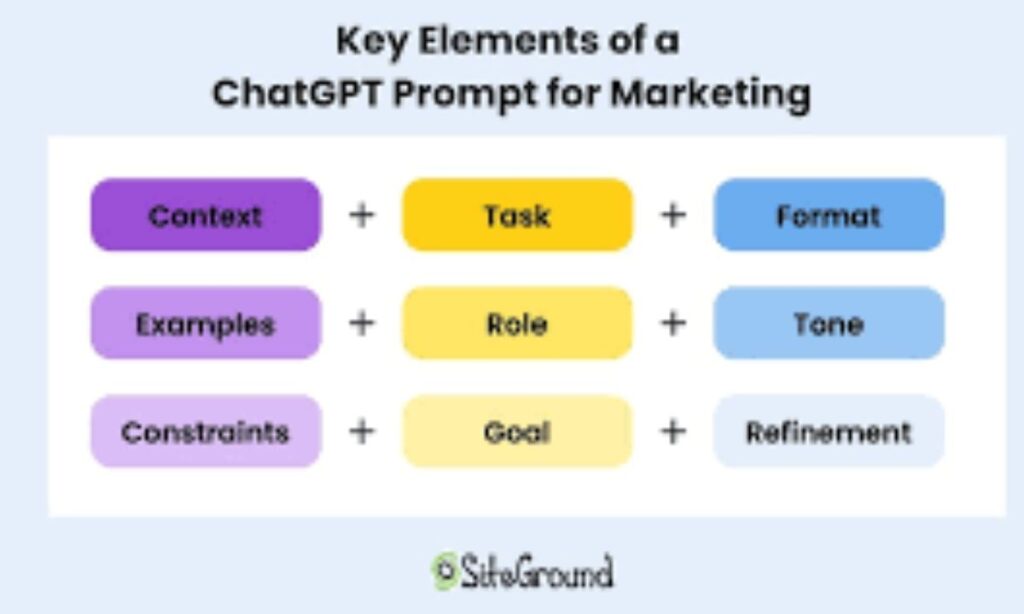
A high-quality prompt usually contains five core components:
1. Clear Task
Define exactly what you want:
Write, explain, summarize, compare, or generate ideas.
2. Context
Explain the situation or audience.
Example:
“for beginners learning digital marketing”
3. Format
Specify output structure:
Paragraphs, list, table, email, etc.
4. Tone
Define writing style:
Formal, casual, friendly, persuasive.
5. Constraints
Add rules like word limit, style restrictions, or focus areas.
Example:
“under 200 words, simple English, no jargon”
Example of a Strong Prompt
“Write a 200-word beginner-friendly explanation of artificial intelligence for students using simple language and real-world examples.”
This is a fully optimized prompt because it includes task, context, format, tone, and constraints.
Step-by-Step Process to Write Your First Prompt
Writing your first effective prompt in ChatGPT is not complicated. Once you understand the structure, it becomes a repeatable skill. The goal is to communicate clearly so the AI understands exactly what you want.
Here is a simple step-by-step process:
Step 1: Define Your Goal Clearly
Before typing anything, decide what you want from ChatGPT.
Ask yourself:
- Do I need an explanation?
- Do I want a summary?
- Do I need content writing or ideas?
Without a clear goal, your prompt will always be weak.
Step 2: Write a Simple Core Instruction
Start with a direct action.
Examples:
- “Explain digital marketing”
- “Write an email”
- “Summarize this topic”
This is the foundation of your prompt.
Step 3: Add Context
Context improves accuracy and relevance.
Example:
“I am a beginner student learning digital marketing…”
This helps ChatGPT adjust difficulty and tone.
Step 4: Define Output Format
Always tell ChatGPT how you want the answer structured:
- Paragraph
- Bullet points
- Numbered list
- Email format
This reduces editing time later.
Step 5: Review Before Sending
Ask yourself:
- Is this clear?
- Can someone else understand it?
- Is anything missing?
This small habit significantly improves results.
Examples of Simple ChatGPT Prompts for Beginners
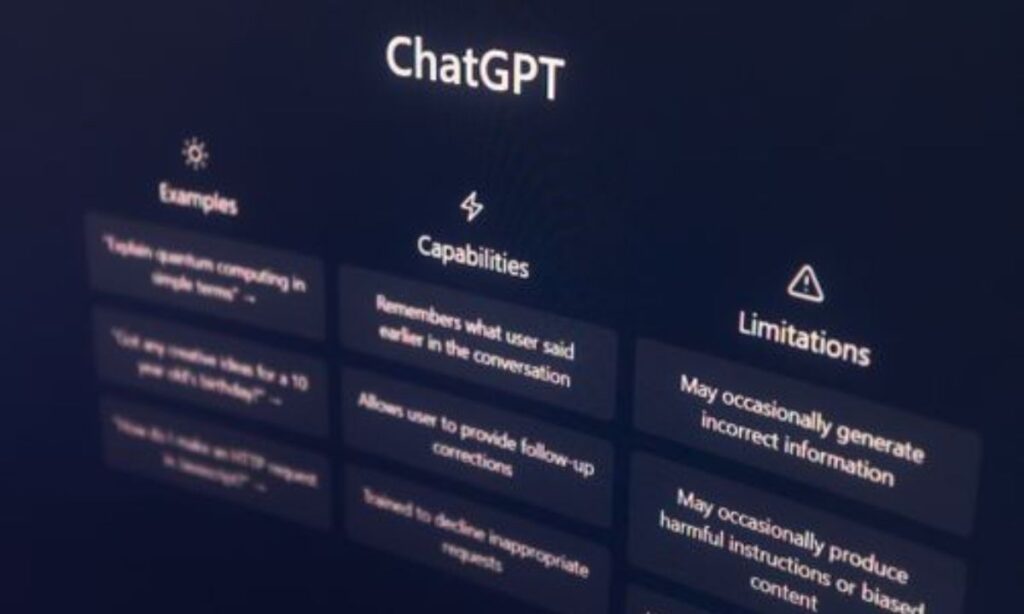
Understanding theory is good, but real examples make prompt writing easier.
Example 1: Writing Task
“Write a 100-word professional bio for a graphic designer with 5 years of experience in a confident and friendly tone.”
✔ Clear task
✔ Defined length
✔ Specific tone
Example 2: Learning Task
“Explain blockchain technology in simple words for beginners using real-life examples.”
✔ Audience defined
✔ Simplicity requested
Example 3: Work Email
“Write a polite email to a client apologizing for a project delay of 3 days, keep it under 120 words.”
✔ Context + constraint + tone included
Example 4: Brainstorming
“Give 10 YouTube video ideas for fitness beginners focusing on home workouts.”
✔ Niche + audience defined
Example 5: Research Summary
“Summarize the advantages and disadvantages of remote work in 5 bullet points.”
✔ Format controlled
Each of these examples follows a simple formula:
👉 Task + Context + Format + Constraint
This is the core principle of effective prompt writing in ChatGPT.
Common Mistakes to Avoid When Writing Prompts
Most beginners make simple mistakes that reduce output quality.
1. Being Too Vague
Bad prompt:
“Help me with writing”
This gives ChatGPT too little information.
Better:
“Write a 150-word introduction for a blog about healthy eating for beginners.”
2. Mixing Too Many Tasks
Avoid combining multiple goals in one prompt.
Example mistake:
“Write an email, summarize this article, and give ideas”
Better to split into separate prompts.
3. Ignoring the Audience
Always define who the content is for.
Writing for a student is different from writing for a business owner.
4. Not Providing Context
Without context, ChatGPT guesses — and guessing leads to generic answers.
5. Not Refining the Output
Many users stop after the first response. Instead, improve results by saying:
- “Make it shorter”
- “Use a more friendly tone”
- “Add an example”
Iteration improves quality significantly.
How to Make Your Prompts More Specific and Accurate

Once you understand the basics, you can improve your prompts using advanced techniques.
1. Assign a Role
Tell ChatGPT who it should act as:
“Act as a marketing expert”
This improves authority and tone.
2. Provide Examples
If you want a specific style, show it.
Example:
“Write in this format: [example]”
This is extremely powerful in prompt engineering.
3. Define Perspective
Who is the audience?
- Beginner
- Expert
- Business owner
- Student
This changes depth and language.
4. Use Constraints Strategically
Constraints improve clarity:
- Word limit
- Style restriction
- Level of detail
Example:
“Explain in under 200 words using simple English”
5. Iterate Instead of Restarting
Instead of rewriting prompts, refine them:
- “Make it more professional”
- “Add more examples”
- “Simplify language”
This improves workflow efficiency.
Using Context, Tone, and Goals in Your Prompts

If you want to master how to write your first prompt in ChatGPT, you must understand three hidden but powerful elements: context, tone, and goals. These three factors often decide whether your output feels generic or highly professional.
Context: The Background of Your Request
Context means the situation or background information that helps ChatGPT understand your needs.
Without context, the AI has to guess. And when it guesses, the result is usually too broad.
Example:
“I run a small online clothing store targeting teenagers…”
This single sentence improves output quality dramatically because it gives direction.
Tone: How the Response Should Sound
Tone controls the personality of the response.
You can request:
- Formal tone
- Friendly tone
- Professional tone
- Simple tone
- Persuasive tone
For example:
“Write a customer support reply in a polite and friendly tone”
This ensures the output matches your communication style.
Goals: The Purpose of the Output
Goal defines what you want the reader to understand or do.
For example:
- Inform
- Sell
- Educate
- Explain
- Persuade
If the goal is unclear, even a well-written response can feel useless.
Advanced Prompt Writing Tips for Better Results
Once you understand the basics, you can improve your prompts using advanced techniques from prompt engineering and AI optimization practices.
1. Use Role-Based Prompting
Assigning a role improves output quality instantly.
Example:
“Act as an experienced digital marketing strategist”
This helps ChatGPT adopt expert-level thinking and language.
2. Use Structured Input
Break your prompt into clear sections:
- Task
- Context
- Format
- Constraints
This structure removes confusion and improves precision.
3. Ask for Multiple Outputs
Instead of one answer, request variations:
“Give 3 different versions of a blog introduction”
This helps you choose the best option.
4. Reference Real-World Styles
You can guide ChatGPT using known formats:
- “Write like a blog post from HubSpot”
- “Use a style similar to Harvard Business Review”
This improves quality and realism.
5. Request Reasoning or Explanation
For analytical tasks, add:
“Explain your reasoning”
This helps you understand the logic behind the output.
Best Practices for Creating Effective ChatGPT Prompts
Here is a simple checklist to consistently write better prompts:
- Start with an action verb (write, explain, summarize)
- Keep one clear goal per prompt
- Always define your audience
- Mention tone and format clearly
- Use context whenever needed
- Refine outputs instead of restarting
- Save effective prompt templates for reuse
These habits are the foundation of strong AI prompt writing skills.
Conclusion
Learning how to write your first prompt in ChatGPT is not just a beginner skill — it is a long-term productivity advantage.
The difference between a weak prompt and a strong prompt is not complexity. It is clarity.
When you start writing clear instructions with context, tone, and goals, ChatGPT becomes much more powerful and useful.
Instead of random answers, you get structured, relevant, and high-quality outputs.
The key takeaway is simple:
👉 Better prompts = better results
You don’t need advanced technical knowledge. You just need to practice clear communication.
Over time, prompt writing becomes a natural skill, and you will instinctively know how to get the exact result you want from AI tools.
Frequently Asked Questions (FAQs)
1. What is a prompt in ChatGPT?
A prompt is the instruction or message you give to ChatGPT to generate a response.
2. How do beginners write effective prompts?
Beginners should use clear instructions, add context, and define format and tone.
3. What makes a good ChatGPT prompt?
A good prompt includes task, context, audience, format, and constraints.
4. Why are my ChatGPT answers generic?
Because your prompt is too vague or missing context.
5. What is prompt engineering?
It is the process of improving AI prompts to get better and more accurate outputs.
6. Should I use long prompts?
Not necessarily. Use as much detail as needed for clarity.
7. Can I improve results by refining prompts?
Yes. Iteration significantly improves AI output quality.
8. Is prompt writing important for SEO or content creation?
Yes. Better prompts help generate structured, SEO-friendly content faster.