

If you are new to artificial intelligence and want to start using ChatGPT, the first step is to create an account. In this guide, you will learn how to create a ChatGPT account step by step in a very simple and beginner-friendly way. ChatGPT is a powerful AI tool that helps you write, learn, and solve problems in seconds. This article will guide you through the full signup process so you can start using ChatGPT without any confusion.
What Is ChatGPT?

ChatGPT is an AI chatbot developed by OpenAI that can understand and respond to human language. It works like a virtual assistant that can help you write content, answer questions, explain topics, and even generate ideas. It is widely used by students, freelancers, and professionals to save time and improve productivity.
Why You Need a ChatGPT Account
Creating a ChatGPT account gives you full access to its features. Without an account, your access is limited. With an account, you can save chats, access better models, and continue conversations anytime from any device.
Requirements Before Creating an Account
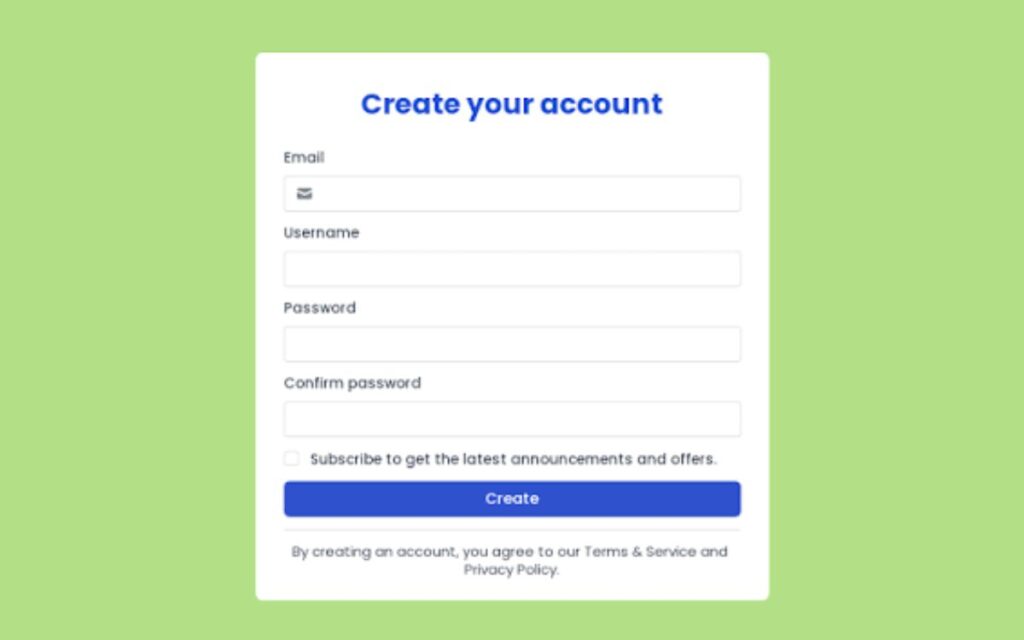
Before you start, make sure you have:
- A valid email address (Gmail or Outlook recommended)
- A stable internet connection
- A modern browser like Chrome or Edge
- You must be at least 13 years old
These basic things are enough to get started.
How to Visit Official ChatGPT Website
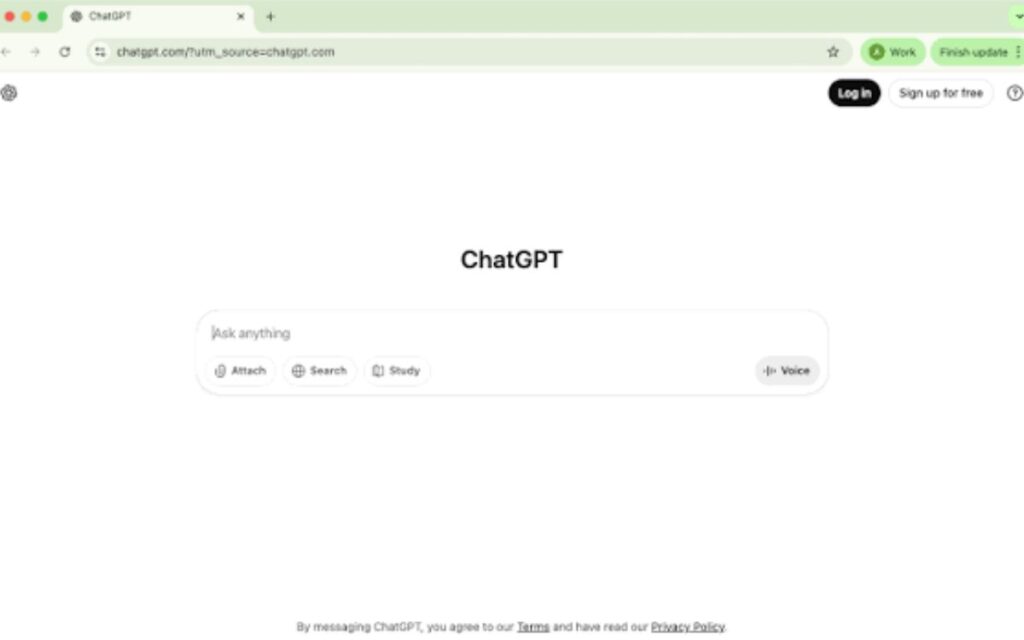
Open your browser and go to:
Make sure you are on the official website to avoid fake pages. Once the page loads, click on the “Sign Up” button to continue.
How to Sign Up for ChatGPT Account
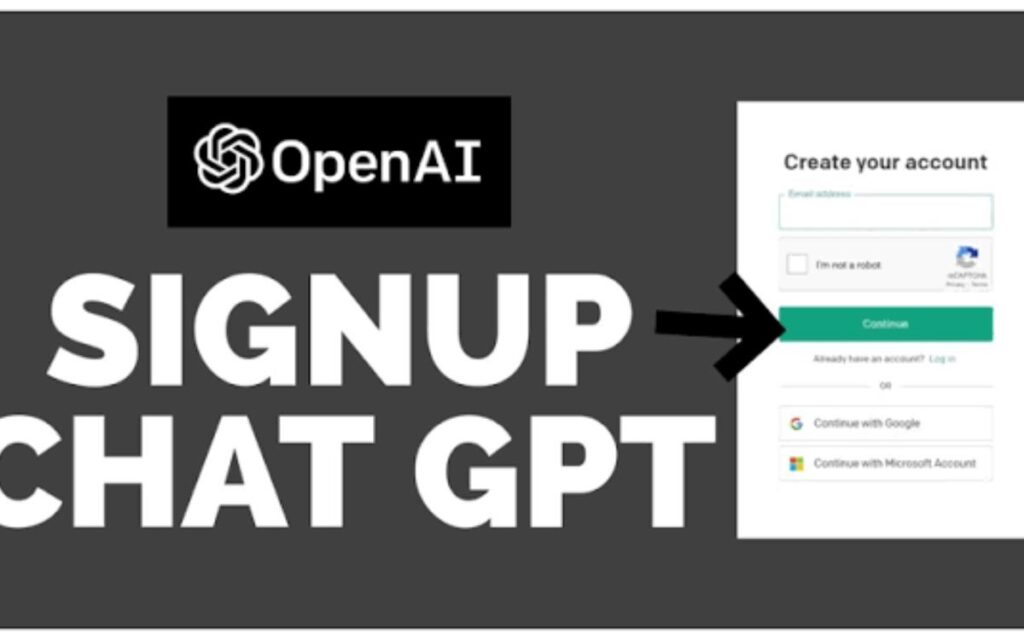
You can create your account in three ways:
- Google account
- Microsoft account
- Email address
Choose the option that is easiest for you and follow the on-screen instructions.
How to Create Account Using Google
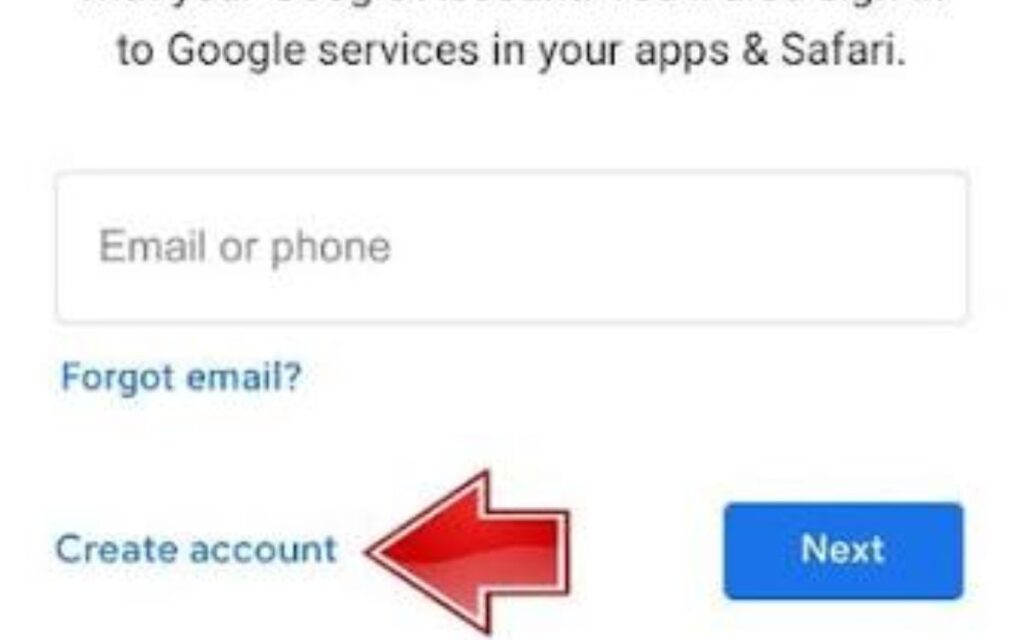
If you choose Google:
- Click “Continue with Google”
- Select your Gmail account
- Confirm login
- Enter your basic details
- Accept terms
Your account will be created instantly.
How to Create Account Using Email
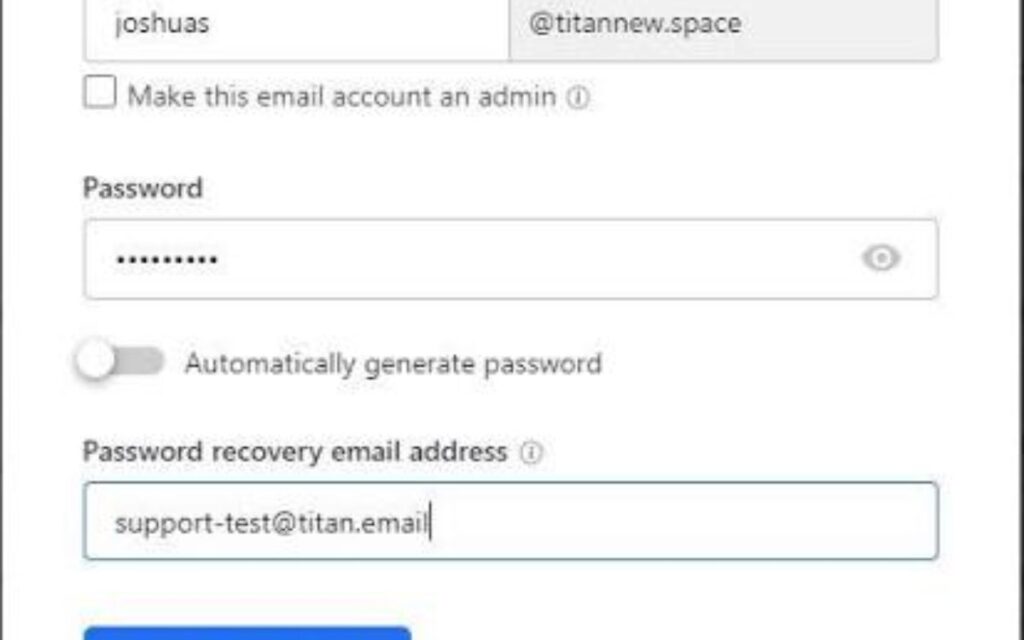
If you use email:
- Enter your email address
- Create a strong password
- Verify your email
- Enter your details
- Accept terms
After verification, your account will be ready.
How to Verify Your Account
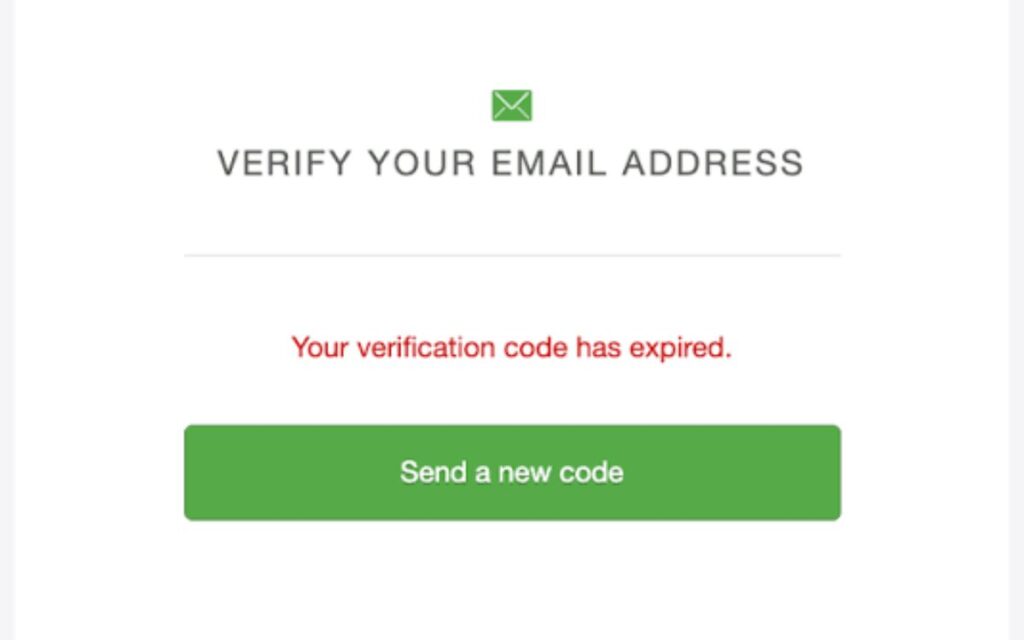
Open your email inbox and click the verification link sent by OpenAI. Once verified, your account becomes fully active.
How to Log In to ChatGPT
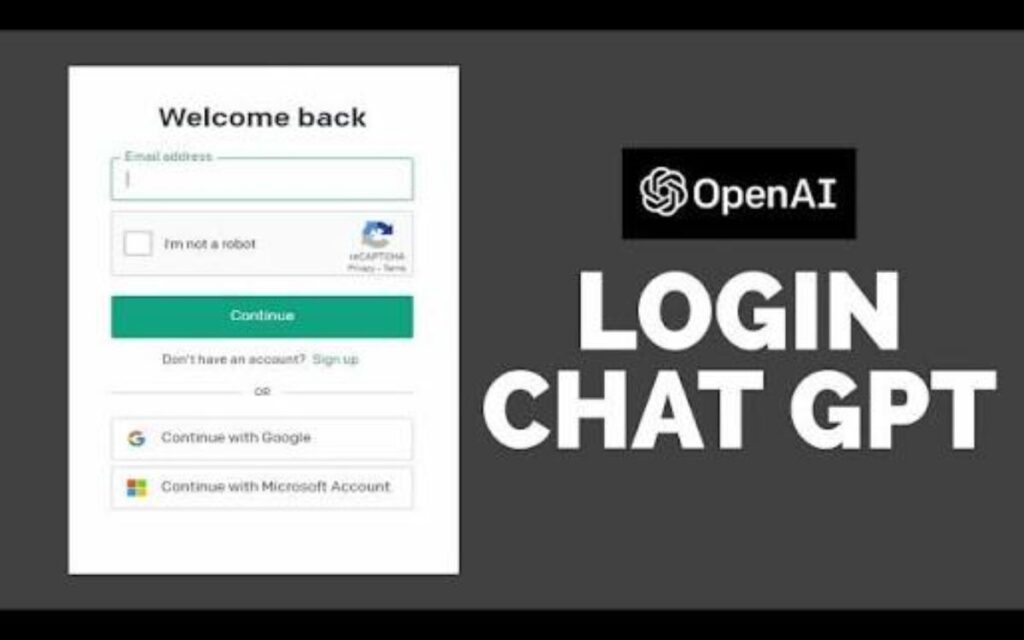
Go to chatgpt.com, click “Log In”, and choose your method (Google or Email). After login, you can start chatting immediately.
Common Problems and Fixes

- Email not received → check spam folder
- Login issues → reset password
- Slow loading → refresh page or change network
- Signup error → try again after a few minutes
Tips for Beginners

- Ask clear and detailed questions
- Use step-by-step prompts
- Try different types of requests
- Start with simple tasks
Conclusion
Now you know how to create a ChatGPT account step by step. Once your account is ready, you can start using ChatGPT for learning, writing, and daily tasks. It is simple, fast, and very helpful for beginners.
Frequently Asked Questions (FAQs)
What is ChatGPT used for?
ChatGPT is used for writing, learning, coding, and getting quick answers to questions.
Is ChatGPT free to use?
Yes, ChatGPT has a free version that is enough for most beginners.
How do I create a ChatGPT account?
You can create an account by signing up on chatgpt.com using Google, email, or Microsoft.
Do I need an email to use ChatGPT?
Yes, you need a valid email or Google/Microsoft account to sign up.
Can I use ChatGPT on mobile?
Yes, you can use ChatGPT on mobile through a browser or official app.
Is ChatGPT safe to use?
Yes, ChatGPT is safe when you use it from the official OpenAI website.