
If you’re new to ChatGPT, you’ve probably noticed something frustrating: two people can ask the same question and get wildly different results. The difference almost always comes down to how the question was asked. That’s where copy-paste prompts come in. Instead of staring at a blank chat box wondering what to type, you start with a pre-written prompt — a template that someone has already tested and refined — and adapt it to your situation.
Think of copy-paste prompts as recipe cards for AI conversations. You’re not cheating; you’re borrowing a proven structure so you can spend your energy on the actual decision or creative work instead of on trial and error. In 2026, knowing how to communicate with AI tools has become a baseline workplace skill, much like email literacy was two decades ago. This guide gives you a practical foundation: what copy-paste prompts are, how to use them properly, the best templates for common situations, and — just as important — what has changed about ChatGPT itself that affects how you should prompt it today.
What Is a ChatGPT Copy-Paste Prompt?
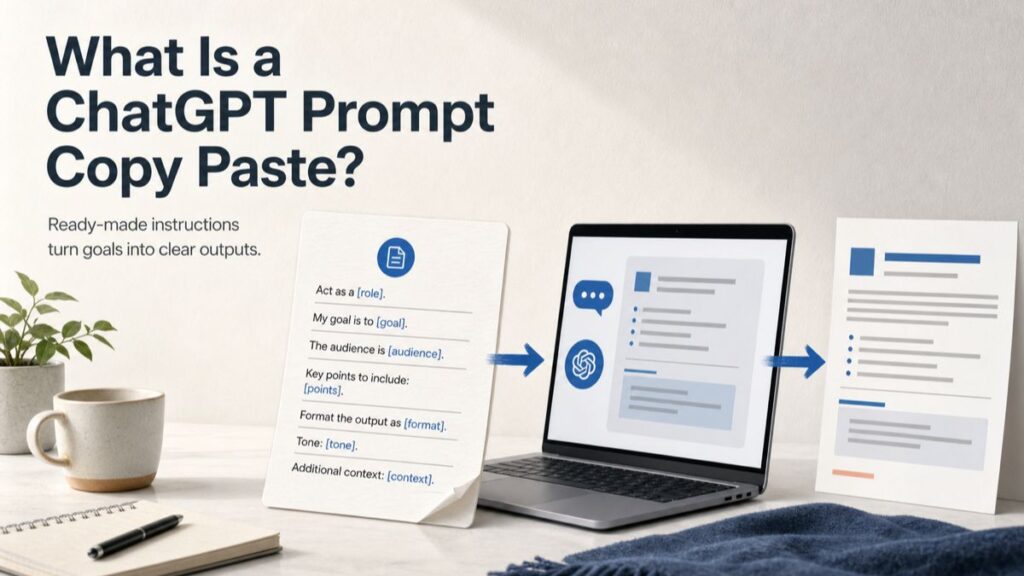
A copy-paste prompt is a ready-made instruction that has been written, tested, and refined in advance. You copy the text, paste it into ChatGPT, swap out a few placeholder details — usually marked in brackets like [TOPIC] or [AUDIENCE] — and send it.
The difference between a casual question and a proper prompt is specificity. “Write me an email” is a casual question, and it invites a generic answer. A copy-paste prompt looks more like this: “Write a professional follow-up email to a recruiter after a job interview. Keep it under 100 words, friendly but formal, and reference one specific topic we discussed: [TOPIC].” That version tells the AI what to produce, how long it should be, what tone to use, and what detail to include. Modern AI models respond dramatically better to clear constraints and context, and a good template builds those constraints in for you.
The value of a vetted prompt is that someone else has already done the trial-and-error. They’ve figured out which instructions the model follows reliably, what structure produces usable output, and how to phrase requests so the AI doesn’t wander off in the wrong direction. You’re leveraging their experience directly.
Why Ready-to-Use Prompts Are Everywhere in 2026
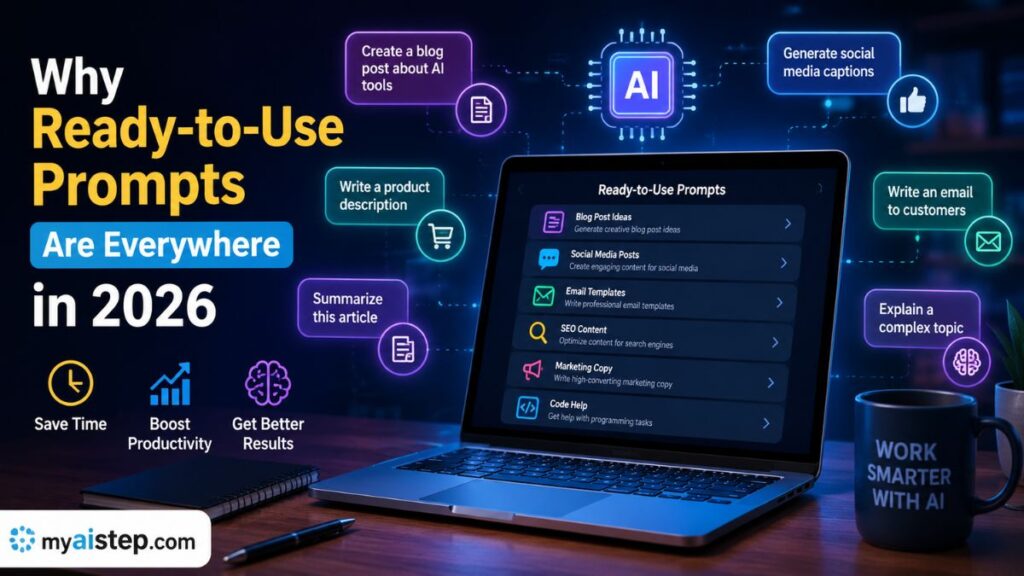
The popularity of prompt libraries reflects a broader shift in how people work with AI. A few forces are driving it.
First, AI use is mainstream. ChatGPT alone reports hundreds of millions of weekly users, and most knowledge workers now touch an AI assistant in some part of their job. Beginners feel real pressure to get productive quickly, and templates shorten that learning curve.
Second, prompt quality still shapes output quality. Even as models have become far more capable, a vague request produces a vague answer. A sharp prompt — one that defines the audience, format, tone, and goal — produces work you can actually use. Writing sharp prompts is a learned skill, and copy-paste prompts let you skip straight to the results while you learn.
Third, people now move between multiple AI tools: ChatGPT, Claude, Gemini, Copilot, Perplexity, and others. A well-structured prompt travels reasonably well between them, so a small personal library saves you from reinventing the wheel each time you switch tools.
One honest caveat that older guides tend to skip: prompting matters somewhat less than it did in 2023. Today’s flagship models — including OpenAI’s GPT-5 generation with built-in reasoning — are much better at interpreting loosely worded requests, asking clarifying questions, and filling in reasonable defaults. You no longer need elaborate “act as a world-class expert” incantations.
What still matters enormously is context and constraints: who the output is for, what format you need, what to include, and what to avoid. That’s exactly what good templates provide, which is why they remain useful even as the models improve.
What’s Changed: Memory, Custom Instructions, and Projects
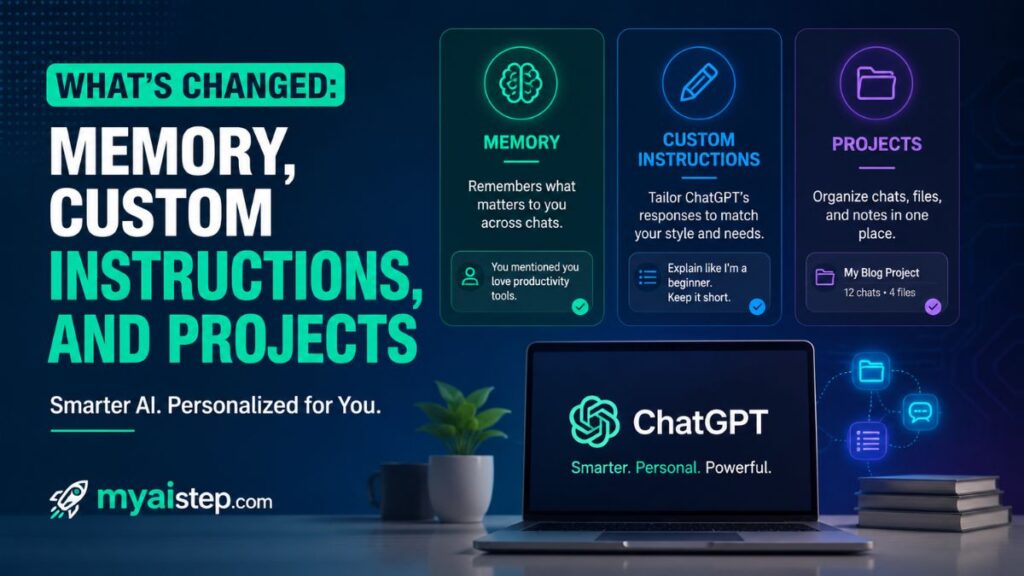
Before diving into templates, it’s worth understanding three ChatGPT features that change how you should use prompts in 2026, because most older prompt guides ignore them entirely.
Memory. ChatGPT can now remember details across conversations — your role, your preferences, your ongoing projects — and reference your past chats. This means you often don’t need to re-paste the same background information in every conversation. It also means an old piece of advice, “ChatGPT forgets everything between chats,” is simply no longer true for most users. You can view and delete what it remembers in Settings, and you can use a temporary chat when you don’t want a conversation remembered.
Custom Instructions. You can set standing preferences that apply to every conversation — for example, “I run a small e-commerce business selling handmade candles; keep answers concise and practical.” If you find yourself pasting the same context into every prompt, move it into Custom Instructions once and simplify your prompts permanently.
Projects and custom GPTs. For recurring workflows, you can group related chats and files into a Project with its own instructions, or use a custom GPT that has a specialized prompt baked in. In practice, this means your best copy-paste prompts can graduate into permanent setups you never have to paste again.
The takeaway: copy-paste prompts are your starting point, and these features are where your proven prompts eventually live.
How to Use Copy-Paste Prompts the Right Way
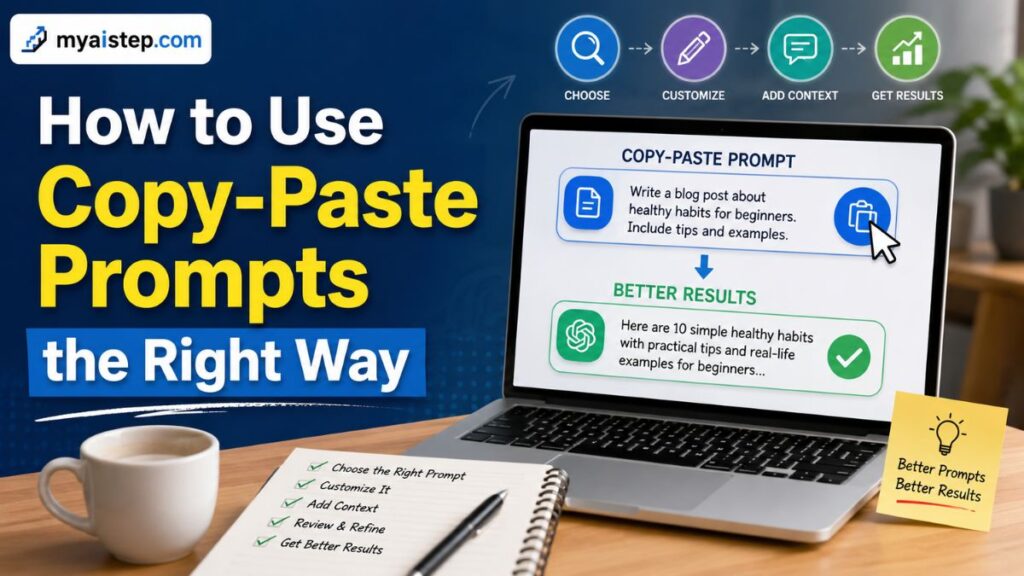
Simply pasting text isn’t enough if you want consistently good results. A short process makes the difference.
Read the entire prompt before you use it, and make sure it fits your actual need. A prompt designed for creative writing will underperform when you need technical accuracy. Then customize every bracketed placeholder — not just [TOPIC], but the audience, tone, and constraints too. A prompt with one placeholder changed and everything else left generic produces generic output.
Run the prompt as written the first time, before you “improve” it. You want to see what the tested version produces so you have a baseline. Then evaluate the output honestly. If it’s close but not right, don’t start over — reply in the same chat: “This is close, but too formal. Make it warmer and cut it to half the length.” Iterating on a draft is usually faster than rewriting the prompt.
Finally, keep a personal library. Save the prompts that work for you in a document, a Notion database, or a notes app, tagged by category: writing, work, learning, brainstorming. When a prompt earns its place through repeated use, consider promoting it to a Custom Instruction or a Project so it’s always active.
Foundational Templates Every Beginner Should Have
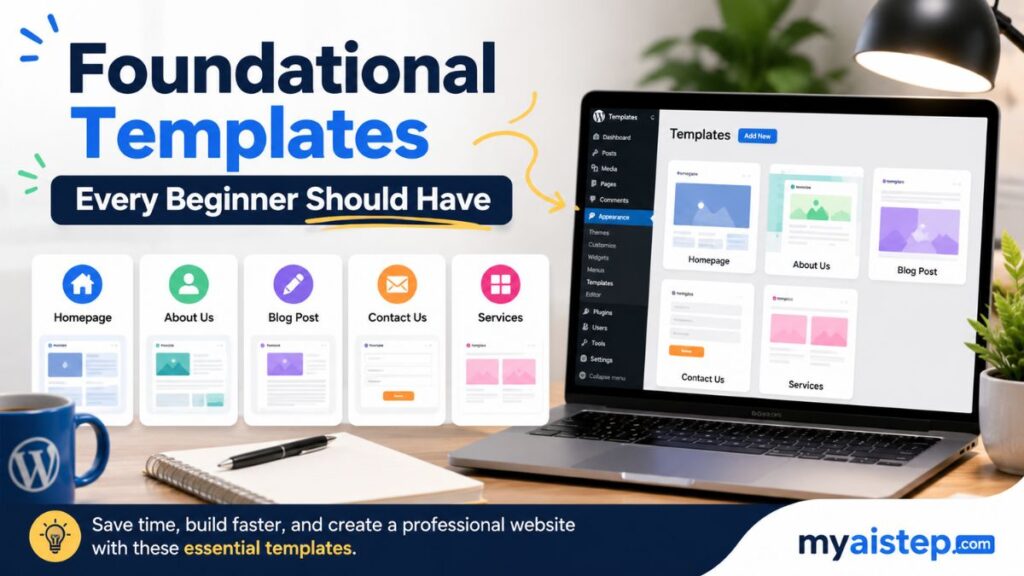
A handful of flexible templates cover a surprising share of everyday needs.
The universal content template: “Write [TYPE OF CONTENT] about [TOPIC] for [AUDIENCE]. Use a [TONE] tone. Include [SPECIFIC ELEMENTS]. Keep it under [WORD COUNT]. Structure it with a clear opening, body, and conclusion.” This works for emails, posts, product descriptions, and short articles because it forces you to define the four things the model most needs: format, audience, tone, and length.
The plain-language explainer: “Explain [COMPLEX TOPIC] as if I’m a smart 12-year-old — simple language, but don’t dumb down the ideas. Use one everyday analogy.” This strips jargon while keeping substance, and it’s just as useful for understanding something yourself as for explaining it to others.
The structured brainstorm: “Generate 10 ideas for [GOAL]. Each idea must satisfy this constraint: [CONSTRAINT]. Rank them by [CRITERIA] and briefly explain the top three.” The constraint and ranking push the model past its first, most obvious suggestions.
The quick research summary: “Summarize the key points about [TOPIC]. Include the main arguments for and against, and one commonly misunderstood detail. Assume I know nothing about this.” If your ChatGPT plan includes web browsing, add “search the web for current information and cite your sources” — a capability worth using for anything time-sensitive, since a model’s built-in knowledge always has a cutoff date.
These templates work because they’re specific enough to guide the model but flexible enough to apply to thousands of situations. The common ingredient is structure: the model’s output tends to mirror the structure of your request, so building structure into the prompt is half the battle.
Prompts for Writing Better Content
The dense, over-hedged “AI voice” that readers instantly recognize is usually the result of a vague prompt. Constraints fix it.
Long-form content: “Write [CONTENT TYPE] on [TOPIC]. Target reader: [AUDIENCE]. Main goal: [WHAT YOU WANT THEM TO DO]. Tone: [TONE]. Lead with the most important point. Use concrete examples or analogies for anything complex. Keep paragraphs to two or three sentences. End with a clear call to action. Avoid filler phrases and don’t restate the same idea twice.”
LinkedIn posts: “Write a LinkedIn post about [TOPIC OR EXPERIENCE]. Make it personal, not corporate — first person, specific details, no buzzwords. Use line breaks for readability. End with a genuine question to invite comments. 75–150 words.”
Beginner guides: “Write a practical guide on [TOPIC] for a complete beginner. Explain every assumption. Include a step-by-step section and a ‘common mistakes’ section. Close with three key takeaways.”
One 2026-specific tip: the best writing results come from giving the model a sample of your own writing and saying “match this voice.” Models are now very good at style imitation, and an example beats any amount of tone description.
Prompts for Students and Learning

Used well, AI is a study partner rather than a shortcut — and the difference is entirely in how you prompt it.
Concept breakdowns: “Explain [TOPIC] by breaking it into 5–7 key concepts. For each: a plain-language definition, a real-world example, and why it matters. End with three misconceptions people commonly have about this topic.” Asking for misconceptions is the quiet superpower here; it targets exactly where students get stuck.
Essay planning (not essay writing): “Help me outline an essay on [TOPIC]. My thesis is [YOUR THESIS]. Give me an opening hook, three or four main points with the type of evidence each needs, one counterargument to address, and a conclusion strategy. Don’t write the essay — give me one starter sentence per section.” This keeps the thinking and the writing yours, which is what most academic integrity policies actually require. Always check your institution’s specific AI policy, because they vary widely and many now spell out exactly what’s permitted.
Active recall practice: “Create five practice questions on [TOPIC], progressively harder. Quiz me one at a time: wait for my answer, then tell me if I’m right and explain why.” Answering one question at a time — rather than reading a list of questions with answers attached — is far better for retention, and modern ChatGPT handles this interactive format smoothly.
Comparison studying: “Create a comparison of [CONCEPT A] vs [CONCEPT B] across 6–8 dimensions, in simple language, and tell me which is better suited for [SPECIFIC USE CASE] and why.”
Prompts for Business, Marketing, and SEO

Product descriptions: “Write a product description for [PRODUCT]. Target customer: [WHO]. Primary benefit: [BENEFIT]. Features to include: [LIST]. Use concrete, active language, create desire without hype, and keep it under [WORD COUNT]. End with a one-sentence call to action.”
Content calendars: “Create a 30-day content calendar for [BUSINESS]. One post per day, mixing these content types: [LIST]. Every idea must be realistic for one person to produce and tied to [GOAL]. Format as a table with columns for date, platform, content type, and key message.”
SEO research: “Suggest 15 long-tail keywords related to [MAIN KEYWORD] for [BUSINESS]. For each, estimate relative competition and buyer intent, and explain the opportunity.” An important honesty note here: ChatGPT does not have live access to search-volume databases, so treat its numbers as educated starting points, then validate them in a real SEO tool such as Google Keyword Planner, Ahrefs, or Semrush. Also remember that in 2026, optimizing for AI-generated answers (sometimes called AEO or GEO) matters alongside traditional Google rankings — clear, direct, well-structured answers to specific questions perform well in both.
Email sequences: “Write a three-email sequence for [PURPOSE, e.g., re-engaging inactive customers]. Subject lines should create curiosity without being misleading. Keep the body conversational. Each email should move the reader one step closer to [GOAL].” Whatever the AI drafts, compliance stays your job — marketing emails still need to follow laws like CAN-SPAM and GDPR, including honest subject lines and working unsubscribe links.
Common Mistakes to Avoid

The most common failure is using a prompt without understanding its purpose — pasting a creative-writing template into a task that needs precision, then wondering why the output feels off. The second is under-customizing: changing one bracket and leaving the rest generic. The third is expecting perfection on the first try; templates are starting points, and a quick follow-up message usually fixes what the first draft got wrong.
The fourth mistake is the most consequential: outsourcing judgment. A prompt can generate ten marketing ideas, but only you know which fit your brand. A model can produce confident-sounding facts, figures, and citations that are wrong — hallucination is much rarer in 2026’s models than it was a few years ago, but it has not disappeared. Verify anything factual that matters, especially statistics, legal claims, medical information, and sources.
Finally, don’t assume every prompt behaves identically in every tool. ChatGPT, Claude, and Gemini each have slightly different strengths and defaults. A prompt is a guide, not gospel — if it underperforms in one tool, reword and retest.
Customizing Prompts for Better Results

Four adjustments deliver most of the improvement. Add context the template doesn’t know: your brand voice, your audience’s expertise level, what you’ve already tried. Provide an example: “here’s a sample of the tone I want — match it” outperforms any adjective. Tighten constraints: exact length, required sections, things to avoid (“no bullet points,” “no marketing clichés”). And state the goal behind the task: “the purpose of this email is to get a meeting booked” gives the model something to optimize for, not just a format to fill.
Then close the loop. When a customized prompt produces something great, save that exact version. When it produces the same thing you always need, move it into Custom Instructions or a Project so you never paste it again.
Conclusion
Copy-paste prompts aren’t a crutch — they’re compressed experience. They let a beginner get professional-quality output on day one while quietly teaching the deeper skill: knowing what an AI model needs from you to produce what you want. That skill — defining audience, format, constraints, and goal — transfers to every AI tool you’ll touch for the next decade, no matter how the models change.
Start with one category that matches your life right now, master a few templates, verify anything factual, and build your personal library. The models will keep getting smarter. Your ability to direct them clearly is what turns that intelligence into results.
Frequently Asked Questions
What’s the difference between a regular question and a copy-paste prompt?
A regular question is casual (“write me an email”). A copy-paste prompt is structured and specific — it defines the format, audience, tone, length, and key content, which is why it produces dramatically better output.
Can I use the same prompt in ChatGPT, Claude, and Gemini?
Mostly, yes. Well-structured prompts travel well between platforms, though each tool has different strengths and defaults, so expect small variations and adjust wording if needed.
Is using copy-paste prompts cheating at school or work?
Context decides. Using prompts to structure your thinking, plan, or draft routine material is generally legitimate; submitting AI output as your own original academic work usually isn’t. Check your school’s or employer’s specific AI policy — most now have one.
Does ChatGPT remember my previous conversations?
Yes — this is a major change from earlier years. ChatGPT’s Memory feature stores details across chats and can reference past conversations. You can review or delete memories in Settings, and use a temporary chat when you don’t want something remembered.
Do I need to use a prompt’s exact wording?
No, but run the original version once before changing it, so you understand what the tested structure produces. Then adapt freely.
How should I organize my favorite prompts?
Use whatever you’ll actually maintain — a Google Doc, Notion, or a notes app — tagged by category. Promote your most-used prompts into ChatGPT’s Custom Instructions or a Project so they apply automatically.
Can ChatGPT give me current information, like this week’s news or live keyword data?
Only if browsing is used. The model’s built-in knowledge has a cutoff date, and it has no direct access to SEO databases. For anything time-sensitive, ask it to search the web, and verify data-heavy claims in a dedicated tool.