
Recruiting has always involved a lot of writing — job postings, outreach emails, interview questions, rejection notes. It takes time, and it eats into hours that could go toward actually talking to candidates. That’s why a lot of hiring professionals have started using AI tools like ChatGPT to handle the repetitive, text-heavy parts of the process.
This article breaks down how to use ChatGPT prompts in recruiting, what you can realistically expect from the tool, and where it actually saves time versus where it falls short. Whether you’re a solo HR generalist or part of a bigger talent acquisition team, the examples here are practical and easy to adapt.
What Are ChatGPT Prompts for Recruiters?
A prompt is just the instruction you give ChatGPT. The better your instruction, the better the output. That’s the basic idea.
For recruiters, a prompt might be something like: “Write a job description for a mid-level UX designer at a remote-first SaaS company. Keep it under 400 words and avoid jargon.” That single sentence can generate a solid first draft in seconds — not perfect, but something you can actually edit and use.
ChatGPT prompts for recruiters are essentially text-based commands designed to help with hiring tasks. They can be used to write job ads, screen candidates, create structured interview question sets, draft follow-up emails, or summarize resumes. The tool doesn’t know your company culture or your open roles on its own — you have to feed it that context through the prompt.
One thing beginners often miss: vague prompts get vague results. Telling ChatGPT to “write a job description” without any role details or company context gives you something generic. Adding specifics — seniority level, tech stack, industry, tone — makes a real difference. Think of it like briefing a junior copywriter. The clearer you are, the less revision you need later.
Recruiters working in fast-paced environments have found this especially useful for high-volume hiring. When you’re posting ten similar roles with slightly different requirements, using a repeatable prompt template saves a lot of time without sacrificing quality.
Benefits of Using ChatGPT in Recruitment
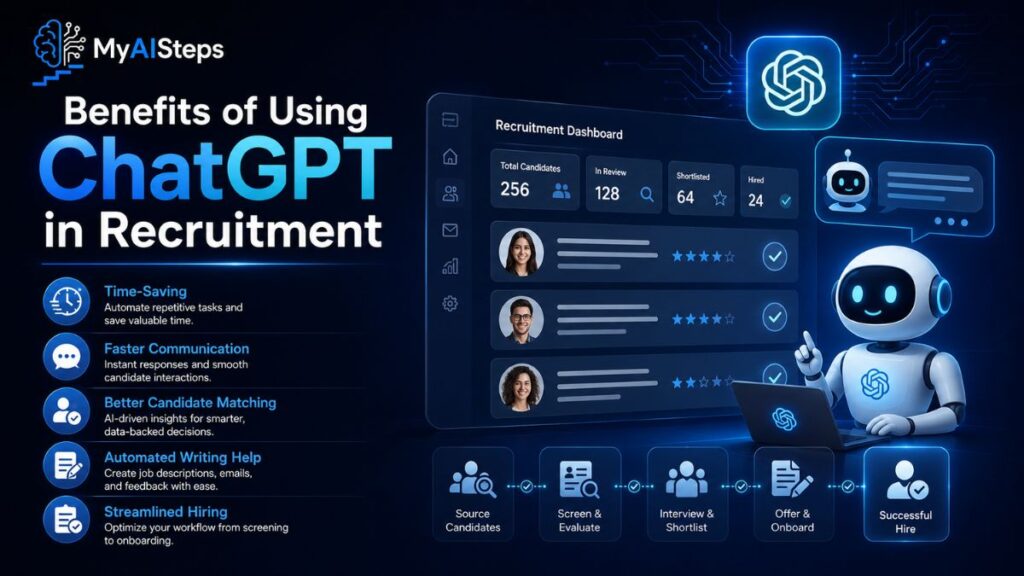
The most obvious win is speed. Writing a full job posting from scratch can take 30–45 minutes when you factor in research, structure, and editing. With a well-built prompt, ChatGPT gives you a working draft in under a minute. You still need to review and adjust it — but you’re editing, not starting from zero.
Beyond job descriptions, the tool helps with consistency. When multiple team members are writing candidate outreach emails or interview question kits, quality can vary a lot. Shared prompts create a baseline that keeps messaging on-brand and professional across the board.
There’s also the cognitive load factor. Recruiting involves constant context-switching — reviewing resumes, taking calls, updating the ATS, managing hiring managers. Any writing task you can offload to an AI assistant frees up mental energy for higher-judgment work like evaluating culture fit or negotiating offers.
One underrated use: content repurposing. A job description can become a LinkedIn post, a sourcing message, and an internal hiring brief — all from one prompt with small adjustments. Most recruiting teams don’t think to do this, but it’s a genuine time-saver.
That said, it’s worth being realistic. ChatGPT doesn’t replace recruiter judgment. It can’t read your candidate pipeline, it won’t pick up on soft signals in an interview, and it has no idea about the internal dynamics of a specific hiring decision. It’s a drafting assistant, not a decision-maker.
How Recruiters Can Use ChatGPT Effectively
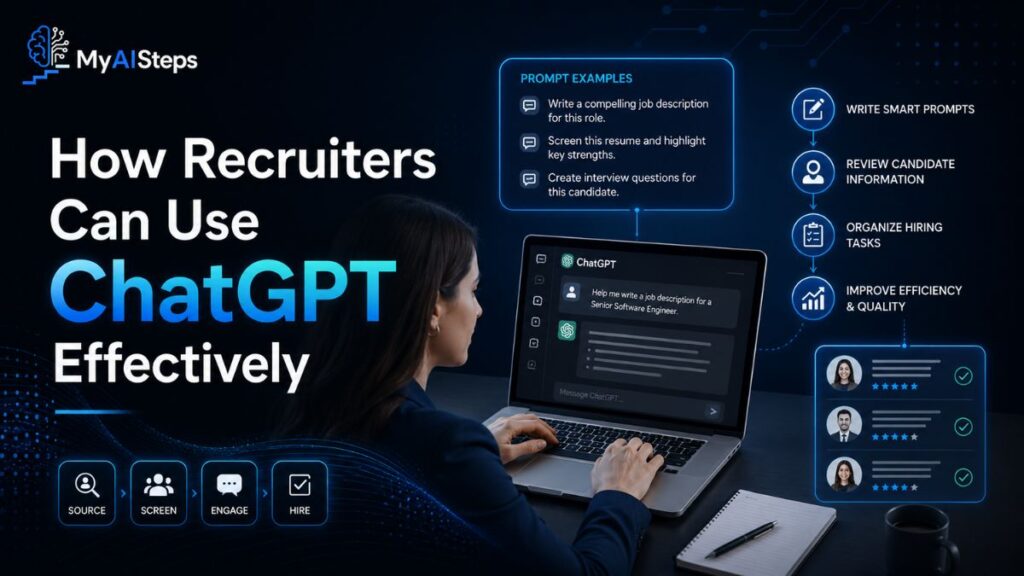
Start with the tasks that eat up the most writing time. Job descriptions, sourcing messages, and interview question guides are the best entry points because they’re structured and repeatable.
For job descriptions, include the job title, seniority level, key responsibilities, required skills, and any cultural details worth mentioning. Specify tone too — whether you want something formal or more casual. A prompt like “Write a job description for a senior data analyst at a fintech startup with a collaborative culture. Avoid buzzwords. Aim for 350 words.” gives ChatGPT enough to work with.
For interview questions, tell the tool the role, the interview type (behavioral, technical, or situational), and how many questions you need. You can even ask it to tie questions back to specific competencies like communication or problem-solving. This is faster than building a question bank from scratch and still gives you something worth reviewing.
Outreach and follow-up emails are another strong use case. Personalized messages tend to get higher response rates, but personalizing at scale is exhausting. A prompt that pulls in the role, the candidate’s background, and your reason for reaching out can produce a draft that feels less like a mass email — with some light editing.
One practical habit worth building: save your best prompts somewhere accessible. A shared Google Doc or Notion page with a few tested prompt templates takes about twenty minutes to set up and ends up saving hours over time, especially if your team scales.
Best ChatGPT Prompts for Writing Job Descriptions
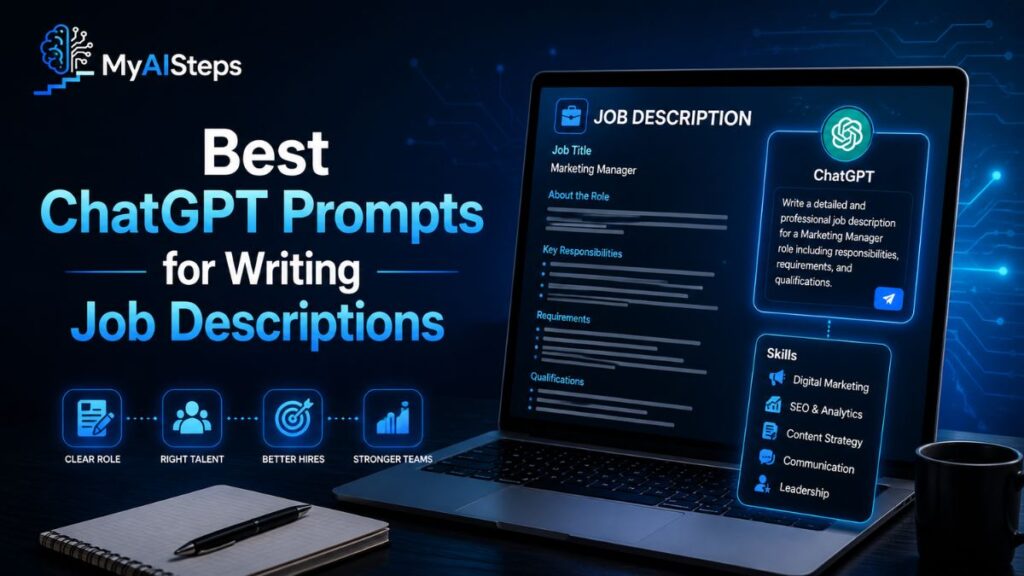
Job descriptions are often the first thing a candidate sees. If they’re confusing, too long, or full of clichés like “fast-paced environment” and “rockstar mindset,” good candidates scroll past.
ChatGPT can help you write cleaner, more accurate postings — but the prompt has to carry the details. Here are a few formats that actually work:
For a standard role:
“Write a job description for a [job title] at a [industry] company. The candidate should have [X years] of experience, skills in [list skills], and will be responsible for [key tasks]. Use a [formal/conversational] tone and keep it under [word count].”
For a niche or technical role:
“Write a job posting for a DevOps engineer with experience in AWS, Kubernetes, and CI/CD pipelines. The role is fully remote. Avoid generic buzzwords. Focus on actual responsibilities and what makes this role different from a standard DevOps position.”
For inclusive language:
“Rewrite this job description using gender-neutral language and remove any requirements that might unintentionally exclude qualified candidates. Here’s the original: [paste text].”
That third one is underused. A lot of companies have job postings sitting in their ATS that were written years ago with language that quietly puts people off. Running them through ChatGPT with a clear editing prompt can clean them up quickly without a full rewrite from scratch.
One mistake to avoid: don’t paste a job description and ask ChatGPT to “make it better” with no other context. The output will be polished but vague. Be specific about what’s missing or what you want changed.
ChatGPT Prompts for Sourcing Qualified Candidates
Sourcing is where a lot of recruiting time disappears. Writing Boolean search strings, crafting LinkedIn InMail messages, drafting cold outreach for passive candidates — it adds up fast.
ChatGPT is genuinely useful here, especially for writing outreach messages that don’t feel copy-pasted.
For LinkedIn outreach:
“Write a short, direct LinkedIn message to a passive candidate with 5 years of experience in financial auditing. We’re hiring for a senior audit role at a mid-size firm in Chicago. Keep it under 100 words and avoid a sales-y tone.”
For Boolean search strings:
“Create a Boolean search string for LinkedIn Recruiter to find Python developers in Austin, Texas who have experience with machine learning and have worked at a Series B or later startup.”
For outreach to candidates from specific backgrounds:
“Write a recruiter outreach email targeting candidates who recently graduated with a computer science degree and may be looking for their first industry role. Tone should be encouraging and clear, not corporate.”
The Boolean string prompt is one people don’t talk about enough. Building those strings manually requires knowing the right operators, which not every recruiter has memorized. ChatGPT handles the syntax reliably and can give you multiple variations to test.
For outreach messages, always personalize the output before sending. Even a small tweak — referencing a specific project the candidate worked on or a mutual connection — lifts response rates noticeably. Use ChatGPT for the structure and add the personal detail yourself.
Top ChatGPT Prompts for Screening Job Applicants
Screening is one of the higher-stakes parts of hiring. You’re trying to filter a large applicant pool down to the people worth spending real time on. ChatGPT can help you build structured screening tools — though the actual judgment calls still sit with you.
For creating a phone screen question set:
“Create 6 screening questions for a phone interview with candidates applying for a customer success manager role at a B2B SaaS company. Focus on communication skills, problem-solving, and experience managing client accounts.”
For building a scoring rubric:
“Create a simple scoring rubric for evaluating responses to screening questions for a marketing coordinator role. Include three criteria and a 1–5 scale with descriptions for each score.”
For resume summary prompts (when reviewing high volumes):
“Here is a resume. Summarize the candidate’s experience in 3 bullet points focusing on relevance to a project manager role in construction. Highlight any gaps or missing qualifications based on this job description: [paste JD].”
That last one is useful during high-volume hiring when you’re working through a backlog of applications. It’s not a replacement for reading resumes yourself — but for an initial pass, it speeds things up.
One thing to keep in mind: ChatGPT can reflect biases present in the language you feed it. If your job description over-emphasizes credentials that aren’t actually necessary, the screening summary will too. The prompt is only as fair as the inputs.
Using ChatGPT to Create Interview Questions
Building an interview question guide from scratch every time you open a new role is tedious. Most of those questions are fairly similar anyway — structured behavioral questions, situational scenarios, competency checks. ChatGPT handles this well.
For behavioral questions:
“Write 5 behavioral interview questions for a sales director role. Focus on leadership, handling rejection, and building client relationships. Use the STAR format as a guide for what interviewers should look for in answers.”
For technical roles:
“Create 4 situational interview questions for a senior software engineer role. Questions should test system design thinking and how the candidate handles ambiguous technical requirements.”
For panel interviews:
“We’re running a 3-person panel interview for a content marketing manager. Each interviewer will focus on a different area: strategy, execution, and collaboration. Create 2–3 questions per interviewer.”
That panel prompt is one of the more practical uses. Coordinating questions across multiple interviewers without overlap takes real effort. Using ChatGPT to assign question themes saves coordination time and helps make sure the interview covers ground rather than repeating the same angle three times.
After generating questions, read through them critically. Some will be too generic or overlap with each other. Trim and reorder before the interview — what ChatGPT produces is a solid draft, not a finished product.
ChatGPT Prompts for Writing Candidate Outreach Messages
Most candidates don’t respond to outreach that sounds like a template. They can tell when a message was sent to 200 people at once. The challenge for recruiters is writing messages that feel personal without spending five minutes on every single one.
This is where having a strong base prompt makes a difference. You give ChatGPT the core details, and it builds a message that at least sounds like a human wrote it — then you add the one or two personal details that make it land.
For cold outreach to passive candidates:
“Write a short recruiter outreach message for LinkedIn. The candidate is a senior UX designer with experience in mobile apps. We’re hiring for a product design role at a fintech company. Keep it under 90 words, friendly but professional, and end with a low-pressure call to action.”
For follow-up after no response:
“Write a brief follow-up message to a candidate who didn’t respond to my first LinkedIn outreach about a software engineering role. Keep it casual, don’t sound desperate, and make it easy for them to say no if they’re not interested.”
For email outreach to applicants:
“Write a short email to a candidate who applied for a marketing role. The subject line should be clear and not click-bait-y. Let them know we reviewed their application and want to schedule a quick 20-minute intro call.”
The follow-up prompt is one worth keeping saved. Following up is uncomfortable for a lot of recruiters, and the instinct is either to avoid it or overdo it with an overly enthusiastic second message. ChatGPT tends to find a reasonable middle tone when you give it the right framing.
Tips for Getting Better Results from ChatGPT Prompts
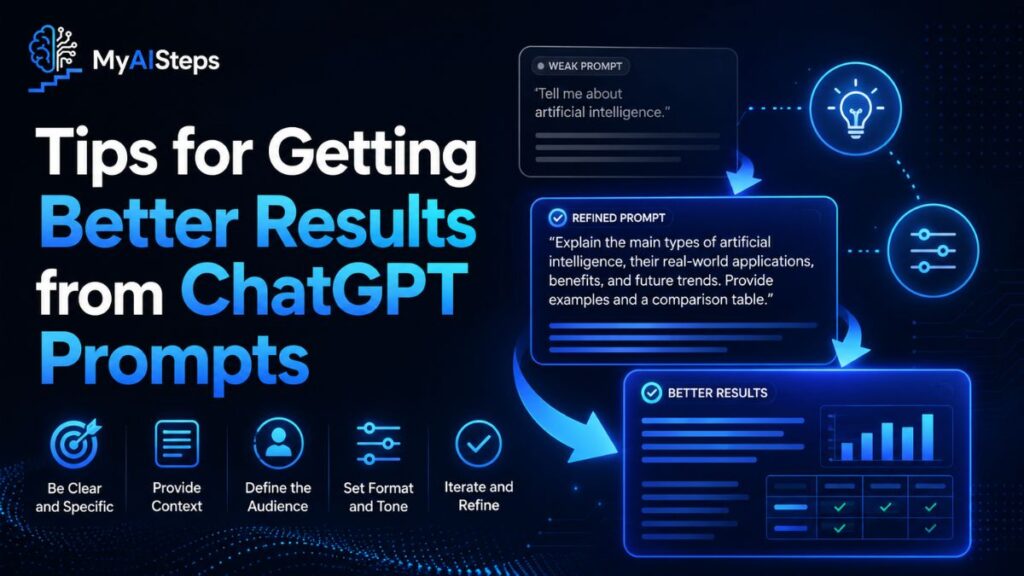
The quality of what you get back depends almost entirely on how clearly you ask. A few habits make a noticeable difference.
Be specific about the output format.
If you want bullet points, ask for them. If you want a 150-word email, say so. Without format instructions, ChatGPT often defaults to longer, paragraph-heavy outputs that need more trimming.
Give it role context.
Instead of asking for “an interview question,” try: “You are a recruiter hiring for a senior operations role at a logistics company. Write a situational interview question that tests decision-making under pressure.” Framing it this way shifts the output toward something more relevant and specific.
Iterate instead of starting over.
If the first draft isn’t right, refine it in the same chat. Saying “make it shorter” or “change the tone to be more direct” usually gives you what you need faster than rewriting the prompt from scratch.
Test your prompts before using them at scale.
If you’re planning to use a sourcing message template for 50 candidates, test it on a few first. Read it out loud. If it sounds robotic or stiff, the prompt needs more personality built in — or a simple note like “avoid formal corporate language” added at the end.
One thing to build over time is a prompt library. Keep a shared document where your team stores the prompts that consistently produce good results. It sounds like an extra step, but it prevents everyone from reinventing the same prompts month after month.
Common Challenges Recruiters Face When Using ChatGPT
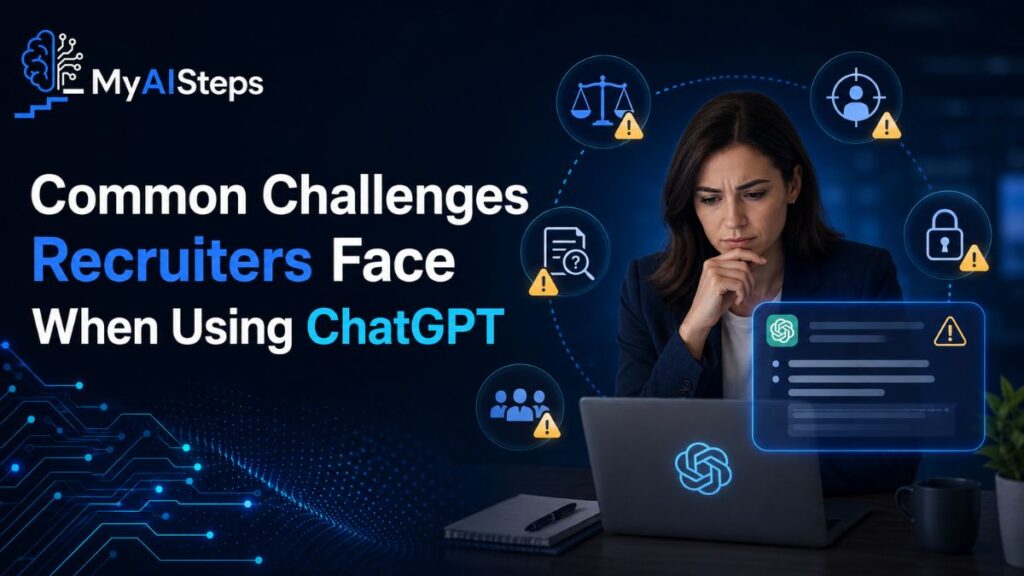
The tool isn’t perfect, and ignoring the friction points leads to frustration.
Generic output.
This is the most common complaint. ChatGPT leans toward safe, average-sounding text unless you push it otherwise. The fix is adding more specificity — industry details, tone notes, format requirements, or even examples of writing styles you want it to match.
Accuracy gaps.
ChatGPT doesn’t know your company, your open role nuances, or your candidate pipeline. It can’t tell you whether a candidate is a good fit — it can only help you process and generate text. Anything that requires internal knowledge or contextual judgment has to come from you.
Inconsistency between outputs.
Running the same prompt twice sometimes gives noticeably different results. This matters if you’re trying to create consistent messaging across a hiring team. A well-structured, detailed prompt reduces this variability, but it doesn’t eliminate it entirely.
Over-reliance on the first draft.
Some recruiters use AI-generated content without reviewing it carefully. Job descriptions with subtle errors, interview questions that don’t fit the role level, outreach messages that sound off — these slip through when people trust the output without checking it. ChatGPT is a draft tool, not a publishing tool.
Bias in the output.
The language you put in affects the language you get back. If your prompt or pasted job description already contains biased framing, the output will too. This is worth thinking about seriously, especially for job descriptions and screening criteria.
Recruiting involves a lot of writing that follows predictable patterns — job ads, outreach, questions, responses. That’s exactly where AI tools like ChatGPT are useful. They remove the blank-page problem and speed up the drafting process, which frees up time for the parts of the job that actually require human judgment. The recruiter who uses these tools well isn’t replacing instinct with automation — they’re just spending less time on the writing and more time on the people.
Start simple. Pick one task that takes up writing time each week and build a prompt for it. Refine it over a few uses. Once it works reliably, move to the next one. That’s a more practical approach than trying to automate everything at once.
Frequently Asked Questions
Can ChatGPT write job descriptions for any industry?
Yes, but the more specific your prompt, the more accurate and useful the output will be.
Do I need any technical skills to use ChatGPT for recruiting?
No — you just need to know how to write a clear, detailed prompt in plain language.
Is it safe to paste candidate resumes into ChatGPT?
Be cautious; check your company’s data privacy policy before sharing any personal candidate information with third-party AI tools.
Can ChatGPT replace a recruiter?
No — it can help with writing tasks, but hiring decisions, relationship-building, and candidate evaluation still require human judgment.
How do I make ChatGPT output sound less robotic?
Add tone instructions to your prompt, ask it to avoid formal language, and always edit the final output before using it.