
Have you ever asked ChatGPT a question and received an answer that felt too generic, incomplete, or not exactly what you needed? If yes, you’re not alone. Most of the time, the issue is not the AI itself — it’s the way the question is asked.
The quality of ChatGPT’s responses depends heavily on the quality of your prompts. Better prompts always lead to better answers. Whether you’re using ChatGPT for writing, studying, research, business, or problem-solving, learning how to communicate properly with AI can dramatically improve your results.
Even small changes in your prompt — like adding context, specifying a goal, or defining a format — can completely change the output quality.
In this article, you will learn practical and proven techniques to consistently get better answers from ChatGPT.
Quick Answer: How to Get Better Answers From ChatGPT
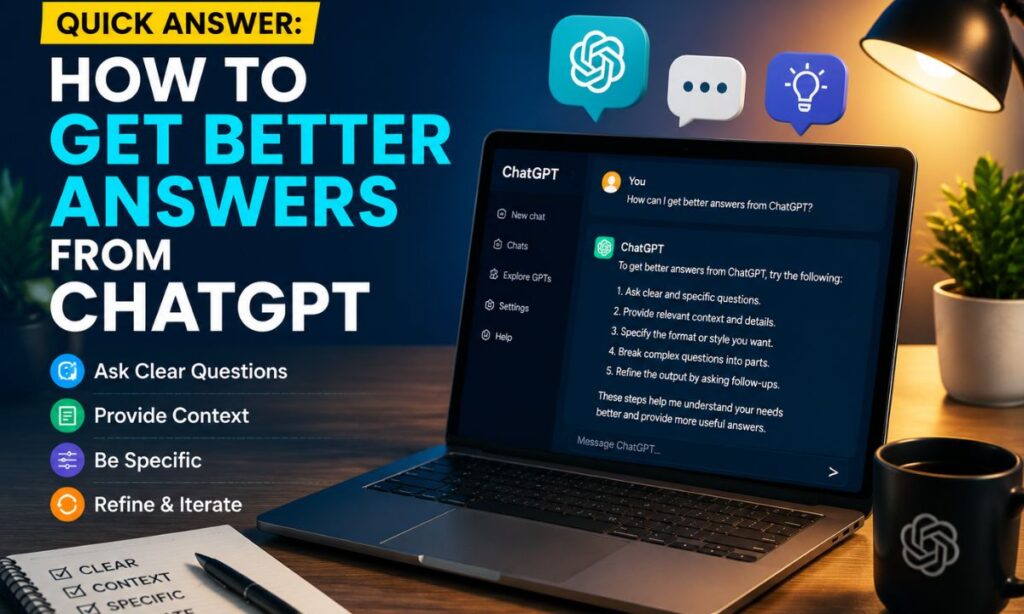
To get better answers from ChatGPT:
- Ask specific questions
- Provide clear context
- Define a role or perspective
- Break complex tasks into steps
- Use examples
- Ask follow-up questions
- Specify output format
- Refine prompts over time
Understand How ChatGPT Interprets Your Prompts

ChatGPT does not think like humans. It does not know your background, intent, or situation unless you clearly provide it.
It works by analyzing your words and generating the most relevant response based on the information you give.
For example:
Weak Prompt:
“Explain digital marketing.”
This is too broad.
Better Prompt:
“Explain digital marketing for a beginner who wants to promote a small online clothing store.”
Now ChatGPT understands the audience, goal, and context — so the response becomes more useful.
Key Factors ChatGPT Uses
- Topic
- Audience
- Goal
- Tone
- Format
- Detail level
The clearer these are, the better the output.
Why Specific Questions Produce Better Answers

Vague questions always produce vague answers.
For example:
Bad Prompt:
“How can I grow my business?”
Better Prompt:
“What are five low-cost marketing strategies for a bakery with a $300 monthly budget?”
Specificity helps because it:
- Reduces guessing
- Improves accuracy
- Makes answers actionable
- Saves editing time
Always include details like:
- Target audience
- Budget
- Goal
- Experience level
- Output format
Use Clear Context Before Asking a Question
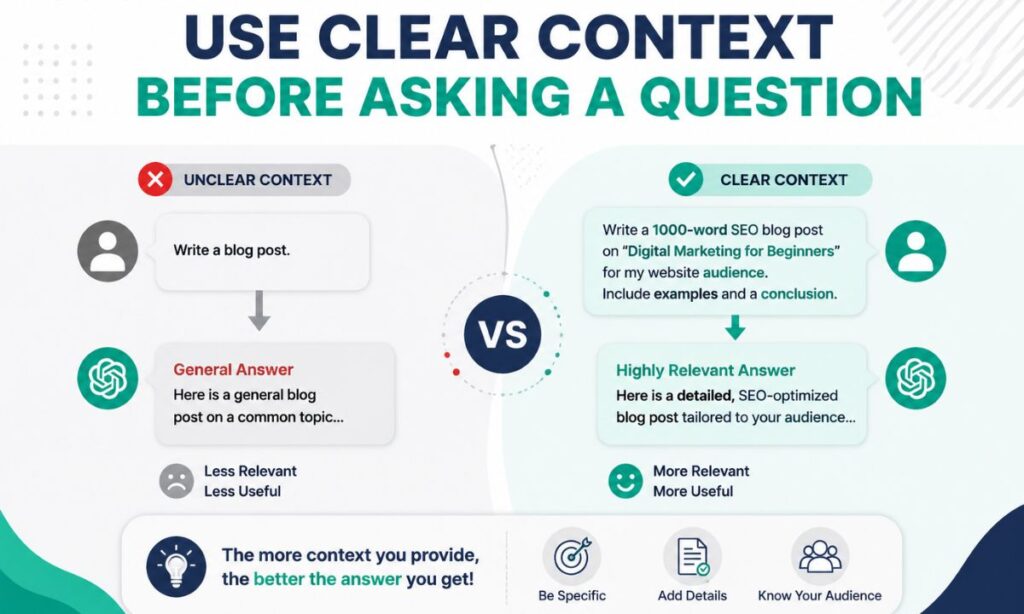
Context is one of the most powerful tools in prompt engineering.
Without context, ChatGPT has to guess your situation — and guesses are often wrong.
Weak Prompt:
“Write a product description.”
Strong Prompt:
“I run an online store selling eco-friendly bottles. Write a product description for environmentally conscious customers aged 18–35.”
Now the AI understands the business, audience, and purpose.
Useful Context Includes:
- Who you are
- What you do
- Your audience
- Your goal
- Tone requirement
Even one sentence of context can improve results significantly.
Give ChatGPT a Defined Role or Perspective

Role prompting is one of the most powerful techniques.
You simply tell ChatGPT what role to act as.
Examples:
- “You are an SEO expert. Review this blog title.”
- “Act as a career coach and give interview tips.”
- “Pretend you are a marketing manager for a fitness brand.”
Why This Works
Role prompting improves:
- Accuracy
- Depth
- Structure
- Professional tone
- Relevance
It forces the AI to respond from a focused perspective instead of giving generic answers.
Break Complex Requests Into Smaller Steps
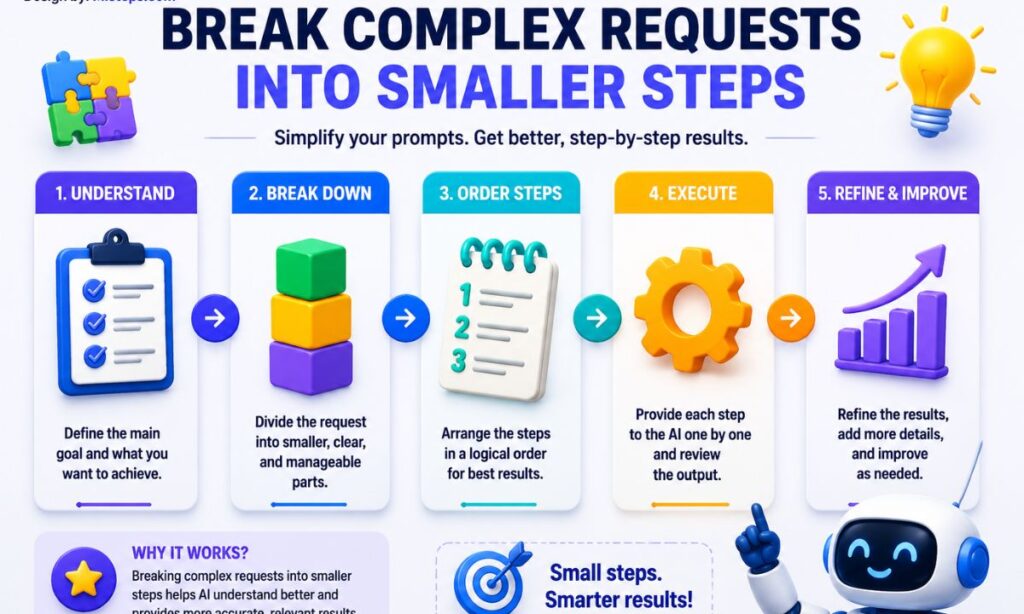
One of the biggest mistakes users make is asking too much in one prompt.
Instead of one big request, break it into steps:
Example:
- Generate blog title ideas
- Create an outline
- Write introduction
- Write sections one by one
- Add conclusion
This improves:
- Clarity
- Accuracy
- Depth
- Control
Step-by-step prompting is widely used by professionals because it produces more structured and high-quality results.
Ask Follow-Up Questions for Better Results
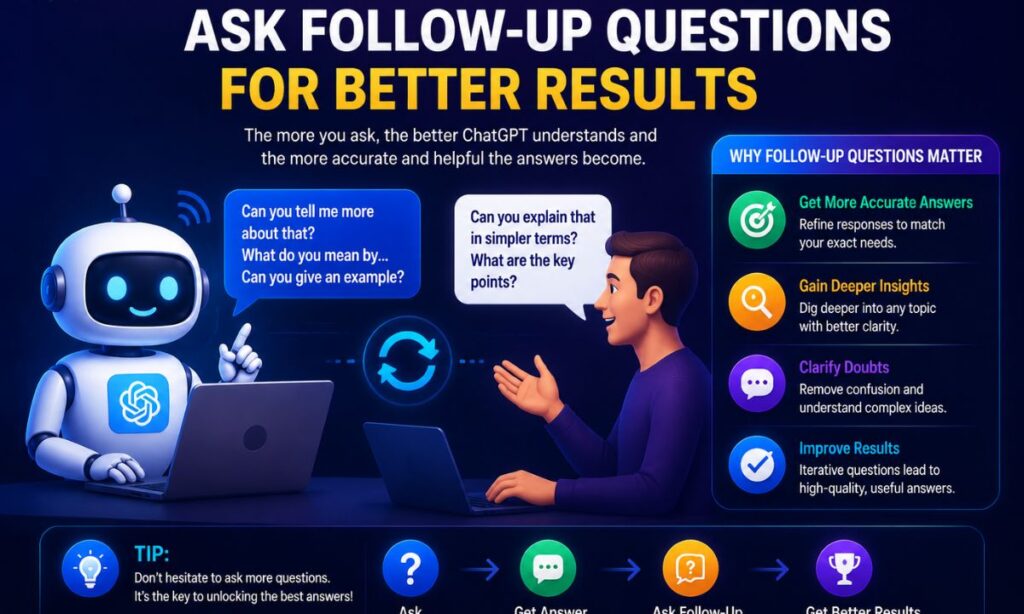
ChatGPT works best as a conversation, not a one-time search tool.
Instead of stopping after the first answer, improve it using follow-up questions:
- “Explain this in simpler terms.”
- “Give real-world examples.”
- “Rewrite in a professional tone.”
- “Expand this section.”
Follow-up prompts help refine results without restarting.
Use Examples to Improve Response Accuracy
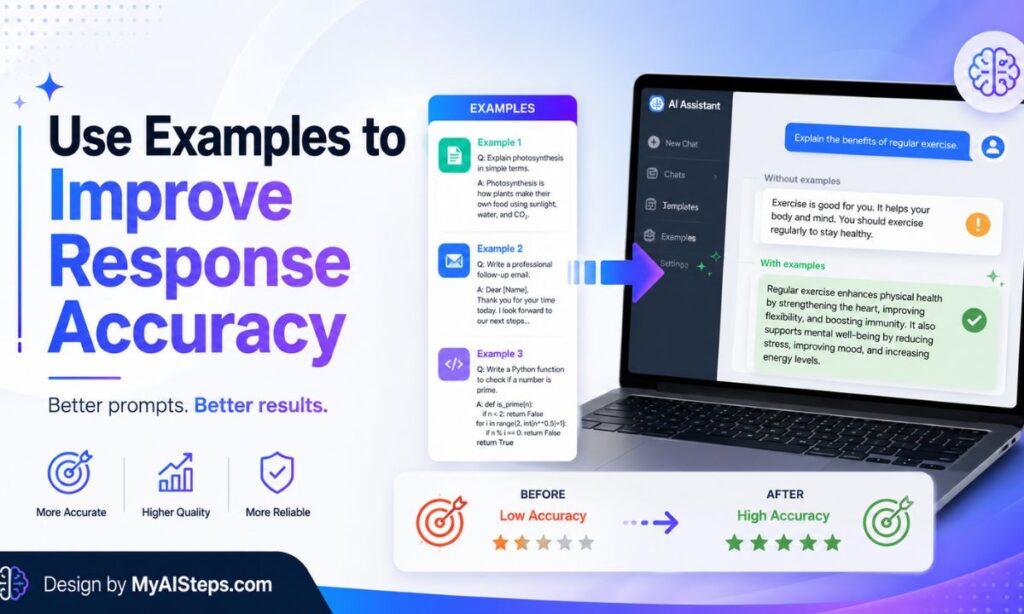
Examples remove confusion and improve accuracy.
Instead of:
“Write captions for Instagram.”
Use:
“Write captions like this: ‘Small habits create big results.’”
Types of Examples
- Format examples
- Tone examples
- Length examples
Examples reduce guesswork and improve output quality significantly.
Common Prompt Mistakes That Reduce Answer Quality
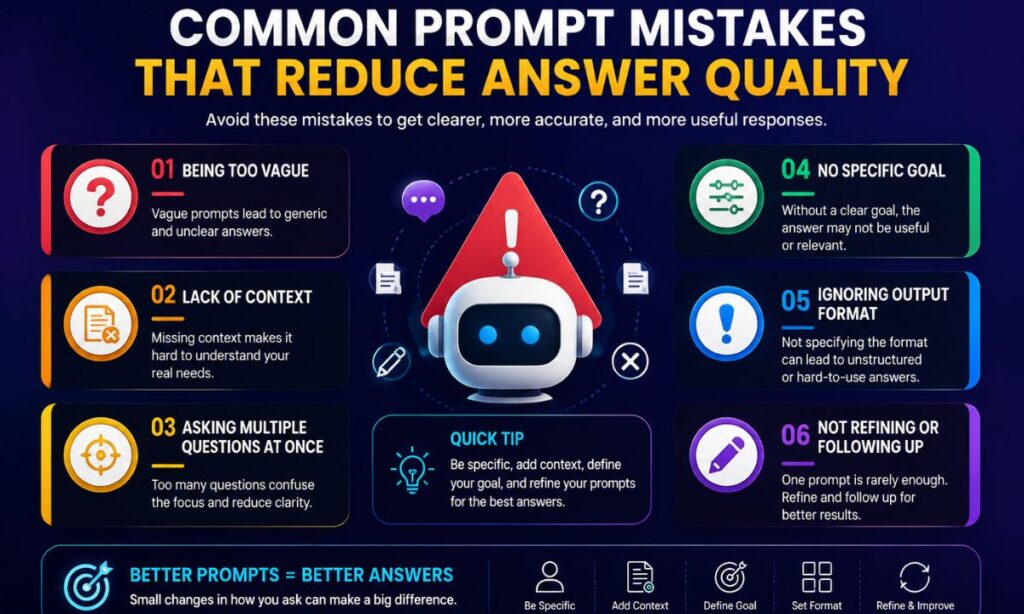
1. Being Too Vague
Weak prompts lead to weak answers.
2. Asking Too Many Questions
Keep one clear task per prompt.
3. Missing Context
Always add background information.
4. Not Defining Format
Specify whether you want bullet points, paragraphs, or tables.
5. Accepting First Draft
Always refine responses for better results.
Advanced Prompting Techniques for Power Users
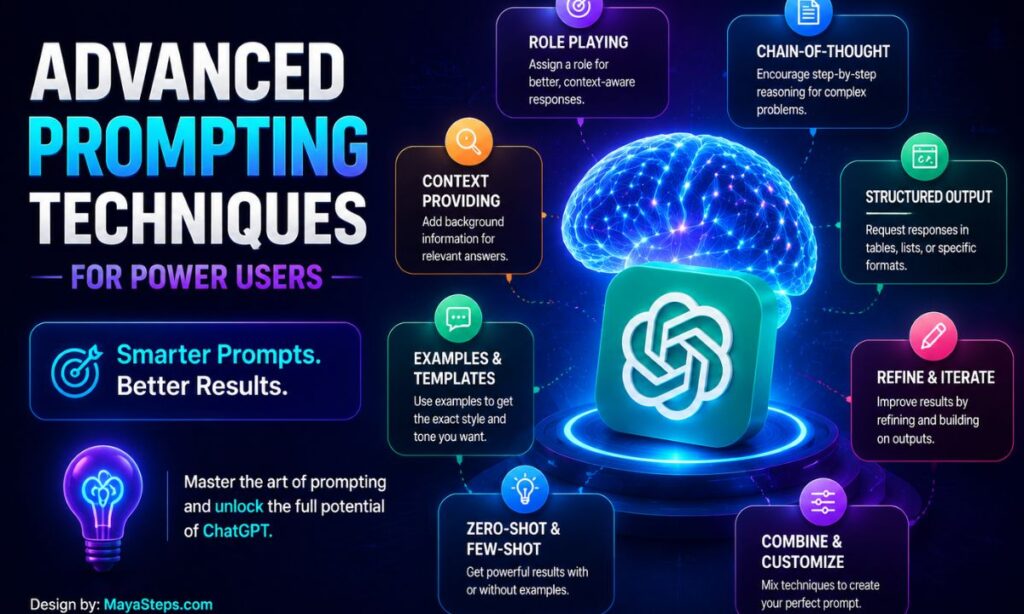
Chain Prompting
Break tasks into logical steps.
Structured Prompting
Define goal, audience, tone, and format clearly.
Constraint Prompting
Limit output (e.g., 150 words max).
Multi-Perspective Prompting
Analyze from different viewpoints.
Real Examples of Good vs Bad Prompts
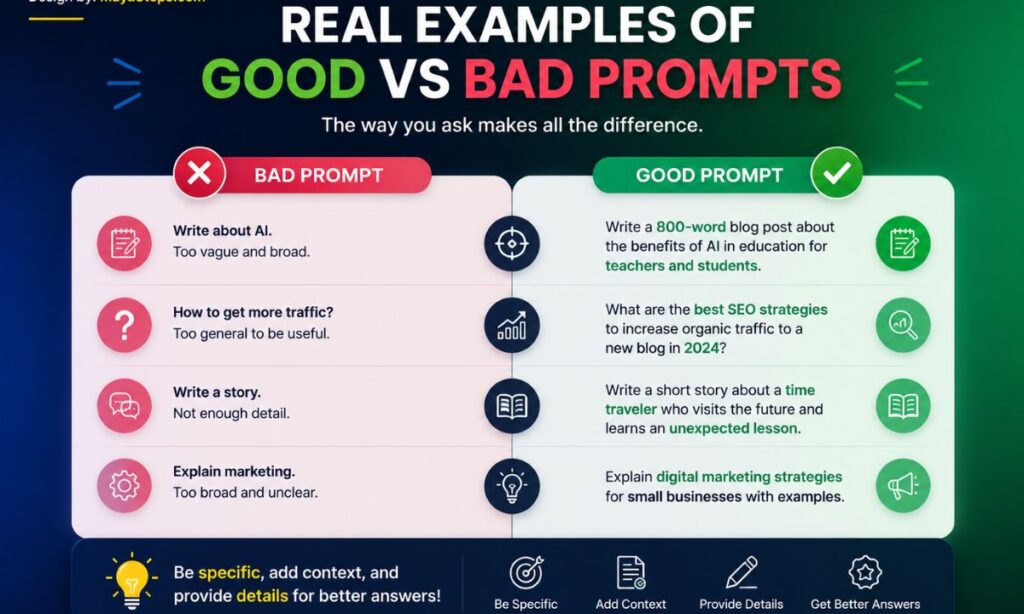
Writing
❌ “Write about productivity”
✅ “Write a 300-word LinkedIn post on productivity for remote workers.”
Research
❌ “Tell me about AI”
✅ “Explain AI to high school students in simple language.”
Business
❌ “Help my business grow”
✅ “Suggest five low-cost marketing ideas for a bakery.”
Best Practices
- Save effective prompts
- Experiment with variations
- Be clear and direct
- Define success clearly
- Keep improving over time
Consistency is the key to mastering ChatGPT.
Conclusion
Getting better answers from ChatGPT depends on how well you communicate with it.
Clear prompts, strong context, specific instructions, examples, and follow-up questions all work together to improve results.
You don’t need to master everything at once. Start with small improvements and build your prompting skills over time.
As you practice, ChatGPT becomes more powerful, more accurate, and far more useful for your daily work.
Frequently Asked Questions
Why does ChatGPT give wrong answers sometimes?
Because prompts lack clear context or detail.
What is prompt engineering?
It is the process of designing better prompts for better AI responses.
Do longer prompts work better?
Not always. Clear and specific prompts work best.
Are examples useful?
Yes, they significantly improve accuracy.